
tapvid.ai
AI Explainer Video Generator
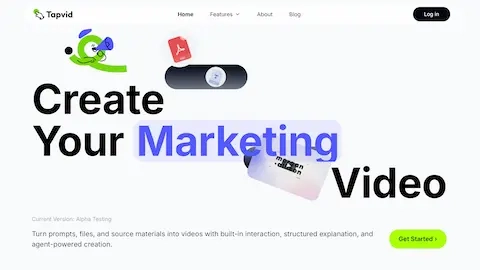
TapVid turns scripts, docs, or prompts into polished, interactive motion-graphics explainer videos with AI voiceovers and shot-by-shot editable scenes.
Listing signals
Domain rating
9
Domain rating is Ahrefs' measure of domain quality according to links.
Popularity
Medium
Page views, clicks to the site and upvotes in the last 30 days, ranked against every live listing.
About tool
TapVid is an AI explainer video generator that converts prompts, scripts, or source materials into motion graphics explainer videos. It helps you build a video from a prompt-and-assets workflow, create an outline, confirm the script, render scenes, and then edit—so you can refine what appears without redoing everything from scratch.
With TapVid, your assets stay accurate and verbatim: images, logos, numbers, specs, and source copy can appear unchanged on screen. You can also keep the look consistent across renders using built-in controls for typography, motion, and brand presentation.
TapVid supports AI voiceover in multiple voices and languages, or you can bring your own audio. You can generate interactive preview experiences, remix existing talking-head clips by overlaying charts, labels, and captions, and export shareable videos (MP4 or a read-only link). Pro plans add more video generations and longer clips, while higher tiers expand credits and support.
Can TapVid create an explainer video from a script or other files?
Yes. You can provide text like a script or other source materials, and TapVid generates an animated explainer video using those inputs.
Are my assets (logos, numbers, and copy) changed during video creation?
TapVid is designed to keep assets accurate and verbatim, so images, logos, numbers, specs, and source copy can appear unchanged on screen.
Does TapVid support voiceovers?
Yes. TapVid includes AI voiceover with multilingual options, and you can also bring your own audio if you prefer.
Can I edit the video after it renders?
Yes. You can edit by changing shots or elements (such as reordering, resizing, repositioning, or rewriting), with changes saved as versions you can roll back.
What formats can I export or share?
You can export an MP4 or share a read-only link for viewing.
Does TapVid support interactive video previews?
Yes. TapVid includes an interactive preview flow as part of the production process.