
ArchOne AI
ArchOne AI
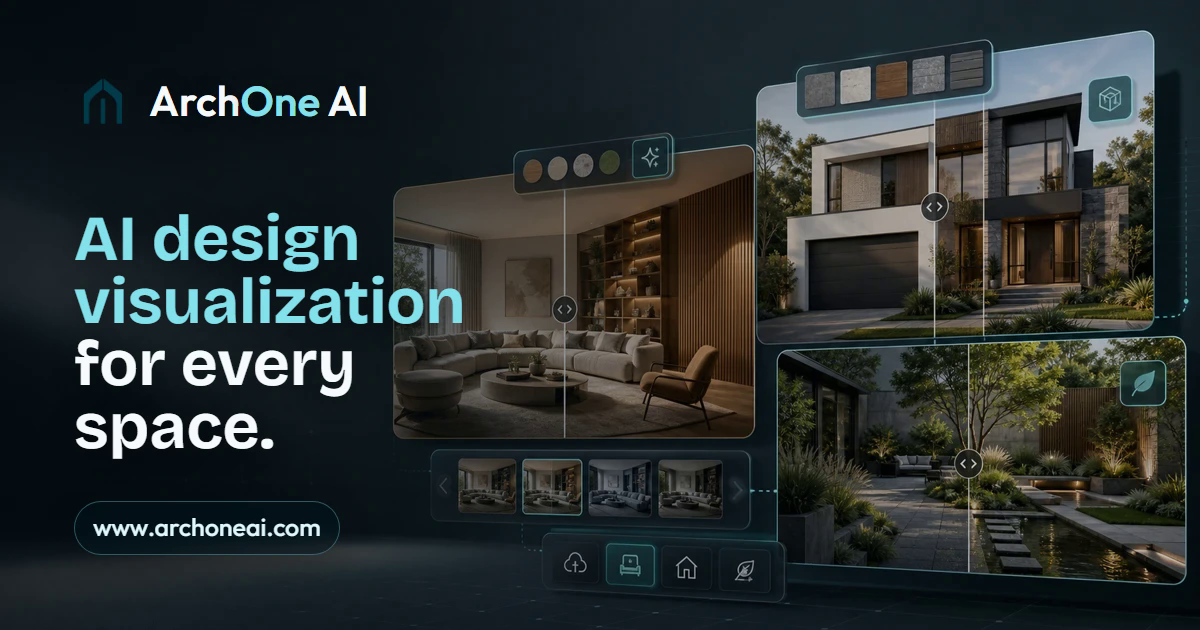
ArchOne AI turns your photos, sketches, or renders into early interior, exterior, and landscape design concepts you can compare in minutes.
Listing signals
Domain rating
12
Domain rating is Ahrefs' measure of domain quality according to links.
Popularity
Low
Page views, clicks to the site and upvotes in the last 30 days, ranked against every live listing.
About tool
ArchOne AI is an all-in-one AI spatial design visualization platform for early-stage concept work across architecture, interiors, exteriors, and landscapes. Upload a room photo, facade image, yard/site reference, sketch, render, or other project input—then add your design direction to generate multiple visual options.
Use ArchOne AI to explore what matters most before heavier production begins: interior material palettes, lighting mood, and furniture direction; exterior facade and entry finish updates for curb appeal directions; and landscape planting, hardscape, paths, outdoor zone layout, and atmosphere. Results are intended to support discussion and decision-making, not technical verification.
ArchOne AI Studio centralizes the workflow on one infinite canvas, helping you generate, edit, compare, and refine connected directions while keeping your source context visible. ArchOne AI is designed for review and communication—not CAD/BIM modeling, construction documentation, code compliance, permitting, structural review, or final implementation advice.
What kinds of design concepts can I generate with ArchOne AI?
You can create early concept visuals for interiors, exteriors, and landscape/outdoor spaces using your photos, sketches, renders, reference images, or written prompts (depending on the workflow).
How should I use the generated images?
Use the visuals for early exploration, option comparison, and presentations or design communication. They’re not meant to replace technical documentation or feasibility checks.
Does ArchOne AI produce CAD/BIM, construction documents, or code-compliant plans?
No. The output is for concept visualization and review, not CAD/BIM, construction documentation, code compliance, permitting, procurement, or implementation decisions.
What inputs help me get better design results?
Start with clear images that show enough context for the space, then add notes about style, materials, priorities, and what should remain unchanged to keep the output grounded in your project.
Can I keep working on a result after generation?
Yes. You can open a completed result in ArchOne AI Studio to continue exploring variations and refine direction without restarting from scratch.
Is ArchOne AI free to try?
Yes—new users can start for free with 2 credits after email verification for a first 1K watermarked preview. More generations or higher-resolution outputs require a paid option.