
ArnisWeb
ArnisWeb
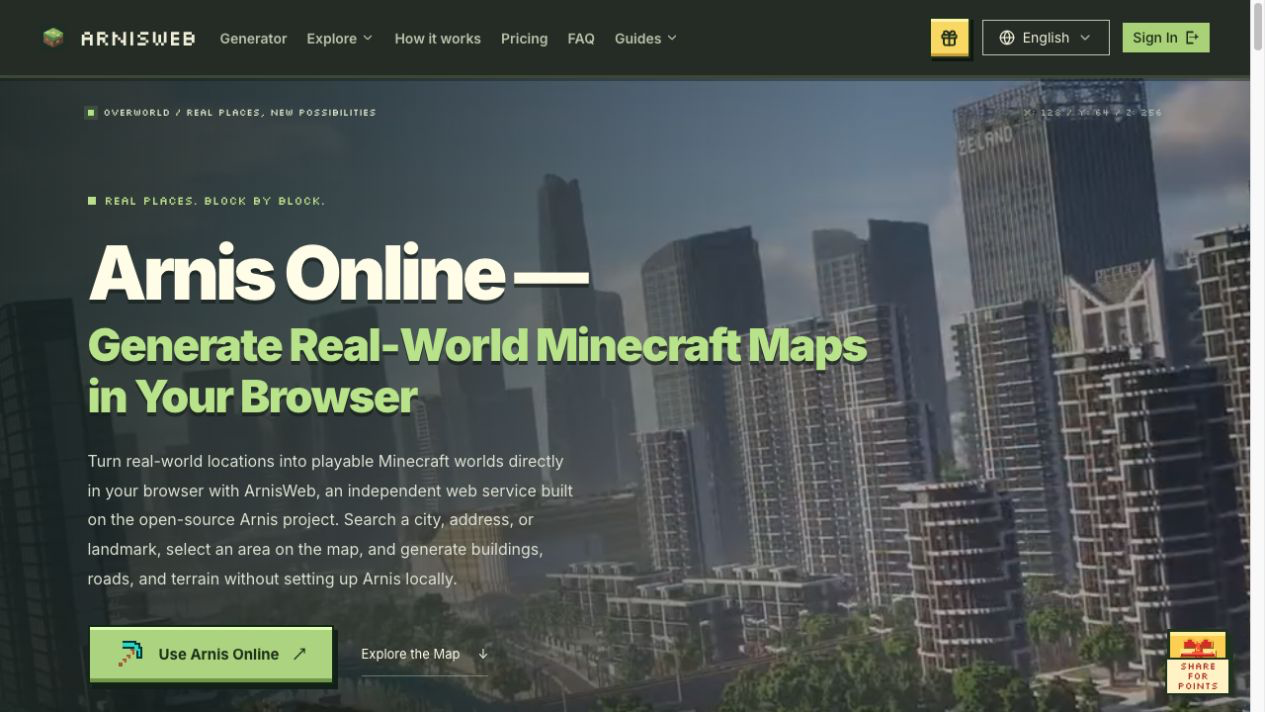
ArnisWeb generates downloadable Minecraft Java worlds from real places by searching, selecting an area on a live map, and generating in your browser.
Listing signals
Popularity
High
Page views, clicks to the site and upvotes in the last 30 days, ranked against every live listing.
What is ArnisWeb?
ArnisWeb is a browser-based Minecraft world generator that turns real-world locations into downloadable playable worlds for Java players.
Turn real places into block-built worlds
ArnisWeb lets you search for a city, address, or landmark on a live map, draw a rectangular selection, and generate a Minecraft world directly in your browser. The generator builds buildings, roads, and terrain from real geographic map features, so your world starts from the place you choose—not from a random seed.
How generation works
Your workflow is straightforward: find a location, select an area, choose your Minecraft output format, then generate and download.
- Search for a city, address, or landmark and zoom/pan until you’re viewing the area you want.
- Select a rectangle on the map. The generator shows a current maximum area: 50 km².
- Choose Minecraft Java Edition or Bedrock Edition (Java output is ZIP).
- Generate and keep the page open while it runs.
- Download the finished world and open it in Minecraft Java Edition.
Java worlds download as a ZIP world folder, and you can use them in Java Edition for PC, Mac, or Linux.
World format and settings
ArnisWeb supports:
- Minecraft format: Java Edition (ZIP world folder); Bedrock (.mcworld) when it’s shown as selectable
- Generation mode: Objects + Terrain (map objects with terrain and elevation)
- Game mode: Creative
- Time of day: Noon
- Spawn point: select an area first, then click a point inside it for spawn
Results depend on map data quality
Coverage varies by location because the generator uses real map data (OpenStreetMap contributors). If local footprints, roads, or height details are incomplete, some buildings or roads may be missing. Starting with a smaller, well-mapped neighborhood can help you get more consistent results.
Pricing and points
ArnisWeb uses points for map generation:
- Free generator ($0.00) is available
- Maps use 45 points/km² with a 50 points minimum per map
- Starter: $95.90/year (14,400 points)
- Explorer: $191.90/year (31,200 points)
- Creator: $383.90/year (67,200 points)
Payments are via Stripe, and points expire at the end of each yearly billing period.
How to log in and claim rewards
You can sign in to choose plans and use points. A 7-day check-in reward system offers free map credit; signup and claim steps are available on the site.
ArnisWeb FAQ
How do I create a real-world Minecraft map with ArnisWeb?
In ArnisWeb, search for a city, address, or landmark, draw a rectangular selection on the live map, choose the Minecraft edition (Java or Bedrock when available), set generation options, then generate and download the result as a world file.
Can I generate Minecraft Java worlds directly in the browser?
Yes. ArnisWeb generates Minecraft Java worlds in the browser and downloads them as a ZIP world folder you can open in Minecraft Java Edition.
What is the maximum area I can select for a world?
ArnisWeb shows an area limit in the generator. The maximum area shown is 50 km², and keeping your first selections small can help you test results faster.
Why might roads or buildings be missing in the generated world?
ArnisWeb builds worlds from real map data, so coverage varies by location. Missing or incomplete features (like building footprints, roads, or height details) can reduce what gets generated for your selected area.
Is ArnisWeb a Minecraft seed map generator?
No. ArnisWeb doesn’t search for seeds or recreate an existing Minecraft seed. Instead, you choose a specific real-world area and generate a world based on the available geographic map features.
How long does world generation take?
Generation time depends on selection size, generation settings, and current service load. Start with a small area, keep the page open during generation, and download when the world is ready.
How do I log in to ArnisWeb?
Use the sign-in page at https://arnisweb.com/sign-in, then authenticate to access plan and points features.
Is ArnisWeb free to use?
ArnisWeb provides a free generator ($0.00) for generating maps. It also uses points for paid plans, with maps billed by area using 45 points/km² and a 50 points minimum per map.
What are some alternatives to ArnisWeb?
Similar listings to compare with ArnisWeb:
- OsuSkins: Free browser tool directory for game skins and usage-ranked collections.
- Ideavibes AI: No-code app builder for shipping web products from ideas.
- SpriteGen: Generates sprite sheets for games from text descriptions.
- TCG Shows Near Me: Finds real-world gaming meetups, trade nights, and tournaments near you.