
circlecropimage.dev
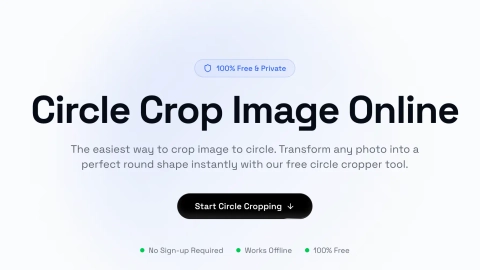
Circle Image Cropper
Crop any image into a perfect circle in your browser, with real-time controls and downloads as transparent PNG or white-background JPG.
Listing signals
Domain rating
20
Domain rating is Ahrefs' measure of domain quality according to links.
Popularity
Medium
Page views, clicks to the site and upvotes in the last 30 days, ranked against every live listing.
About tool
Circlecropimage.dev is a free, browser-based circle cropper for creating clean round profile pictures and circular graphics—no sign-up and no software needed.
Upload a JPG, PNG, GIF, or WEBP image, then use zoom and drag controls to position your subject inside a circular frame with a real-time preview. When you’re happy with the crop, download your result.
Choose PNG for a transparent background or JPG for a white background. Exports are provided at 1024×1024 for ready-to-use profile pictures, avatars, and round logos across social platforms and design projects.
Do I need an account or installation to use circlecropimage.dev?
No—open the tool in your browser, upload an image, adjust the crop, and download the result without signing up.
Is my image uploaded to a server?
No. The circle crop is processed locally in your browser, so your photo stays on your device.
What file types can I crop into a circle?
You can upload JPG, PNG, GIF, and WEBP images and crop them into a circular result.
Can I download the circle crop with a transparent background?
Yes—download as PNG to keep a transparent background. If you prefer a solid background, download as JPG for white.
What output size do I get when I download a circle crop?
Downloads are provided in a 1024×1024 resolution circular image.
Does the circle crop tool work on mobile browsers?
Yes. It’s designed to work on desktop, tablet, and mobile browsers after the page loads.