
JsonToolBox
JsonToolBox
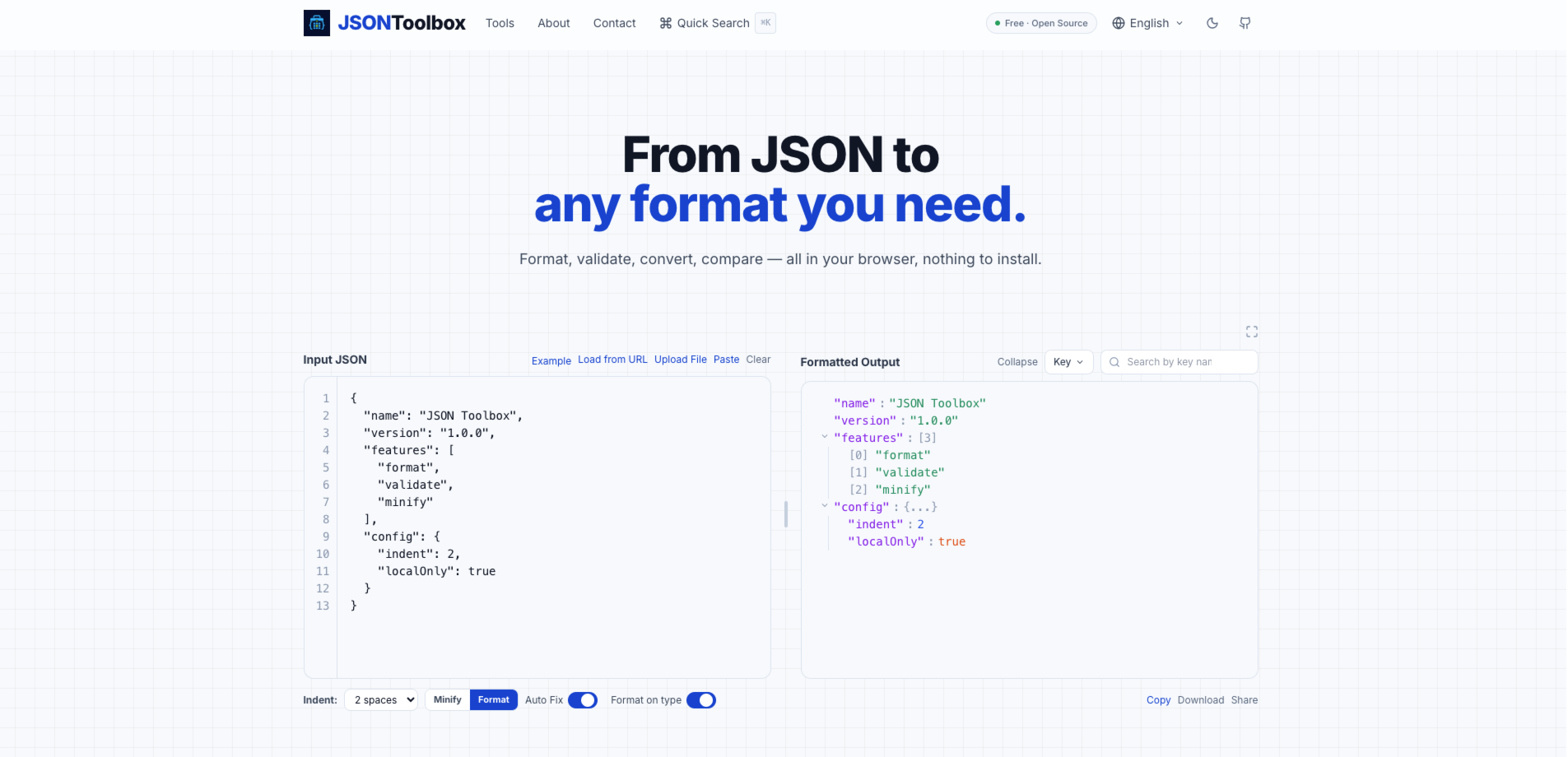
JsonToolBox is a free, open-source browser toolset for formatting, validating, repairing, converting, comparing, and exploring JSON locally.
Listing signals
Popularity
Low
Page views, clicks to the site and upvotes in the last 30 days, ranked against every live listing.
About tool
JsonToolBox is a curated set of client-side JSON tools for developers and data workers who need to parse, inspect, and transform JSON quickly. Use the JSON Editor to format, validate, and minify JSON, or the JSON Repair tool to fix common issues like trailing commas, single quotes, unquoted keys, and missing brackets.
For larger datasets, the Large JSON Viewer opens multi-megabyte JSON and NDJSON with local search and navigation, without requiring any server processing. Preview rich content embedded in JSON—such as images, colors, and media—right in the browser, and inspect structures with views like tree view and table view.
JsonToolBox also helps you move between formats and workflows: convert JSON to CSV, YAML, TypeScript, XML, JSONL/NDJSON, and more. Validate JSON against a schema, test JSONPath expressions, and compare two JSON documents to highlight added, removed, and changed values (including type changes) by structure and path—all while keeping your data processing local.
Does JsonToolBox upload my JSON data to a server?
No. JSON operations run entirely in your browser using client-side processing, so your JSON isn’t uploaded to a server for formatting, validating, or converting.
Is JsonToolBox free to use?
Yes. JsonToolBox is free and open source, and you can use it directly in your browser without an account.
What kinds of JSON problems can the JSON Repair tool fix?
It can help correct broken or invalid JSON such as trailing commas, single quotes, unquoted keys, missing brackets, comments, and Python-style constants—then output valid JSON you can copy or download.
Can I work with large JSON or NDJSON files?
Yes. The Large JSON Viewer is designed to open large JSON and NDJSON files in your browser with local searching and navigation, and it routes files above a size threshold to the dedicated viewer.
What can I do with JSON compare?
Compare two JSON documents to identify added, removed, changed, and type-changed values. You can inspect differences by JSON path and choose options like ignoring key order or specific fields.
What formats can I convert JSON into?
You can convert JSON to formats including CSV, YAML, TypeScript, and XML, and also convert between JSON and JSONL (NDJSON) and other supported formats in the toolbox.