Markdown Converter Pro
Markdown Converter Pro
Convert Markdown online to PDF, Word, or HTML—and convert those formats back to clean Markdown with accurate LaTeX, Mermaid, and GFM support.
Listing signals
Popularity
Medium
Page views, clicks to the site and upvotes in the last 30 days, ranked against every live listing.
About tool
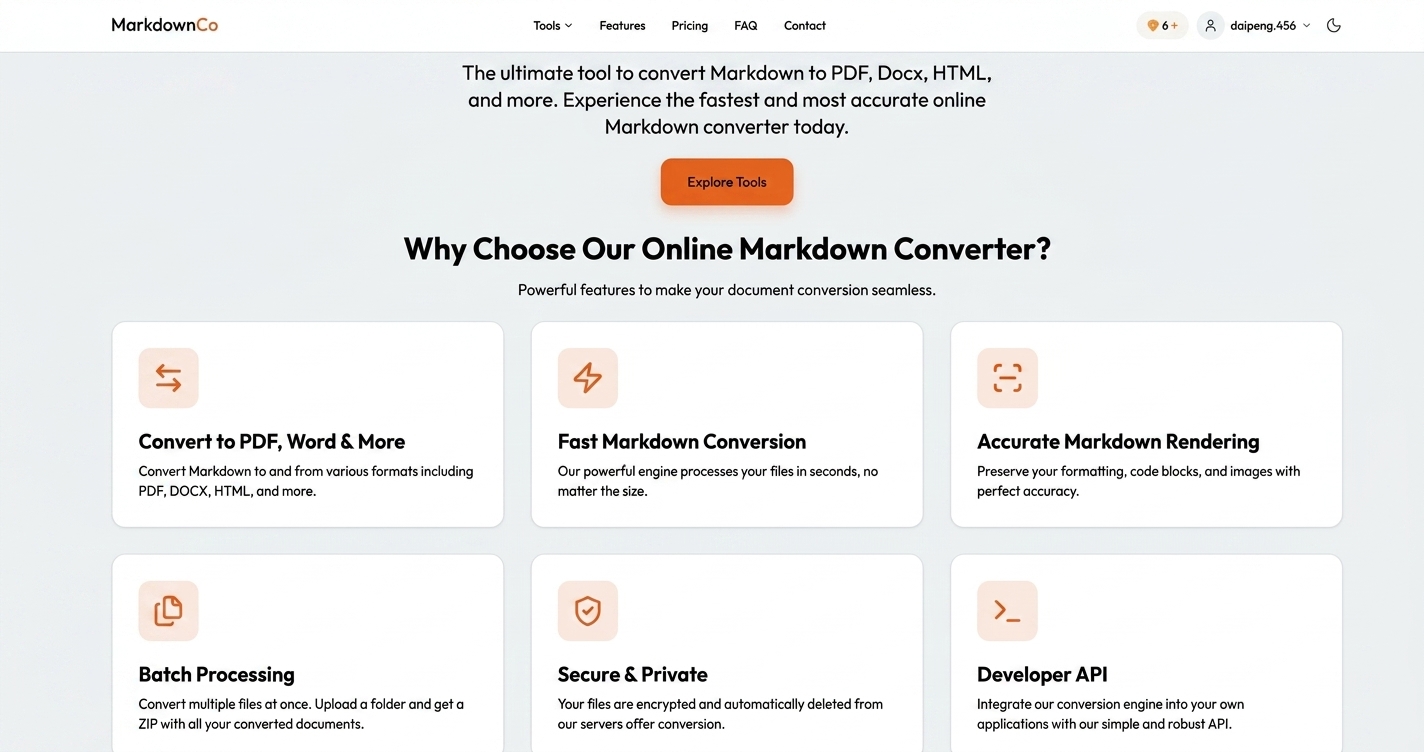
Markdown Converter Pro is a free online Markdown converter for full round-trip workflows: convert Markdown to PDF, Word (.docx), or HTML, then convert those formats back into clean Markdown for version control.
The converter preserves key formatting features including GFM tables, fenced code blocks with syntax highlighting, LaTeX equations, and Mermaid diagrams. You can also preview the PDF result before downloading.
Use it for practical handoffs like README → PDF, docs → Word, and blog drafts → publish-ready HTML. You can upload multiple files for batch conversion and download results as a ZIP, with files automatically and permanently deleted after processing.
What can I convert with Markdown Converter Pro?
You can convert Markdown to PDF, Word (.docx), or HTML, and convert PDF, Word, or HTML back into clean Markdown. It also supports converting images (screenshot/scan) and can convert Markdown to Confluence wiki markup.
Does it support GitHub Flavored Markdown (GFM) features like tables and task lists?
Yes. It supports full GFM rendering, including tables, task lists, fenced code blocks, strikethrough, and other common Markdown features, with pixel-accurate results.
Are LaTeX equations and Mermaid diagrams preserved during conversion?
Yes. LaTeX math equations and Mermaid diagrams are rendered accurately during Markdown-to-document conversions.
What’s the maximum file size I can convert?
Conversions support files up to 10 MB per file. Larger documents with many embedded images may take longer to complete.
Is my content safe when I upload files?
Uploads are protected with SSL/TLS encryption, and files are automatically and permanently deleted from the servers after conversion. The tool is designed so your content isn’t stored or reused.
How does free usage and credit-based pricing work?
You can use the converter for free with 1 conversion daily without an account. A free account starts with 5 welcome credits, and additional usage is handled via credits where 1 credit equals 1 conversion.