
ObjectRemover
ObjectRemover
Upload an MP4 or MOV, write a short English prompt for the unwanted element, and download a cleaned video with optional original audio.
Listing signals
Domain rating
2
Domain rating is Ahrefs' measure of domain quality according to links.
Popularity
Low
Page views, clicks to the site and upvotes in the last 30 days, ranked against every live listing.
About tool
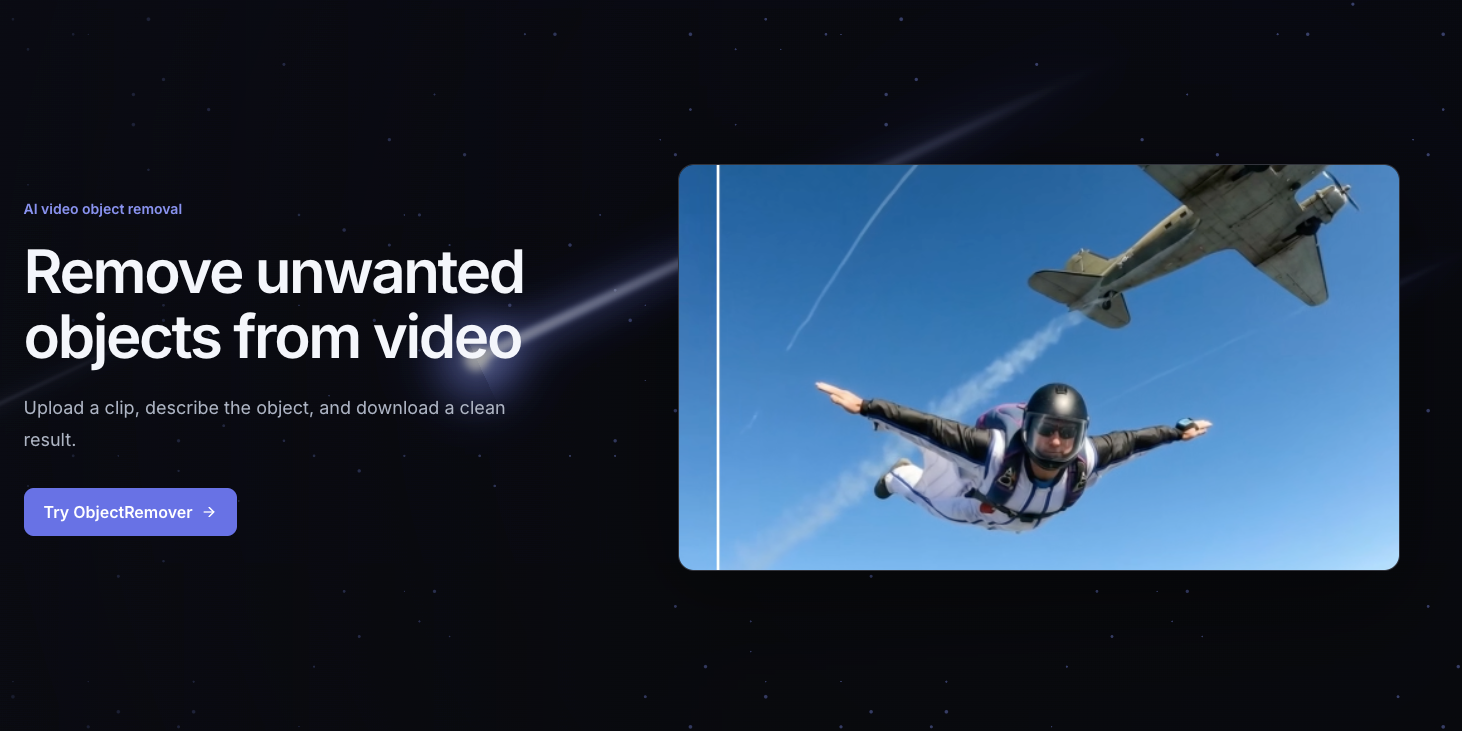
ObjectRemover is an AI-powered video object removal tool that lets you remove unwanted people, text, logos, and other distractions from MP4 or MOV footage. It targets the specified element across consecutive frames and reconstructs the area so the surrounding scene stays consistent.
Your workflow is prompt-based: upload a clip, confirm the target is visible, and describe what should be removed in a clear English sentence (including color, position, or visible motion when helpful). After generation, review the result by scrubbing through the clip to check edges, texture, and motion continuity before downloading.
Depending on your plan, you can choose whether to keep original audio (sign in required for the audio option) and process a limited duration per video. Billing is credit-based by billable seconds, and results are stored for a limited time based on your subscription.
What video formats can I upload to ObjectRemover?
You can upload MP4 or MOV files. File size and duration limits depend on your plan, with an example limit of up to 1080p, 60fps, and 100MB per file.
How do I get the best results when removing an object?
Use a short, specific English prompt and describe the target clearly (color, position, appearance, or motion). Cleaner results usually come from short clips with a clear target and limited occlusion.
Can it remove something that moves during the video?
Yes—ObjectRemover can target an element across consecutive frames, including motion. Fast motion, blur, occlusion, reflections, and complex camera movement may reduce consistency.
Do prompts need to be written in English?
Yes. Short English prompts generally produce the most stable results, and your prompt is sent as written.
Can I keep the original audio in the edited video?
You can choose to keep the original audio, but signing in is required to use the audio option.
How are credits calculated?
One credit covers one billable second. Partial seconds round up to the next whole second, and each job is charged in five-second units.