
Seating Chart Generator
Seating Chart Generator
Free drag-and-drop seating chart generator that turns your guest list into a printable plan with PNG or PDF export.
Listing signals
Popularity
Low
Page views, clicks to the site and upvotes in the last 30 days, ranked against every live listing.
About tool
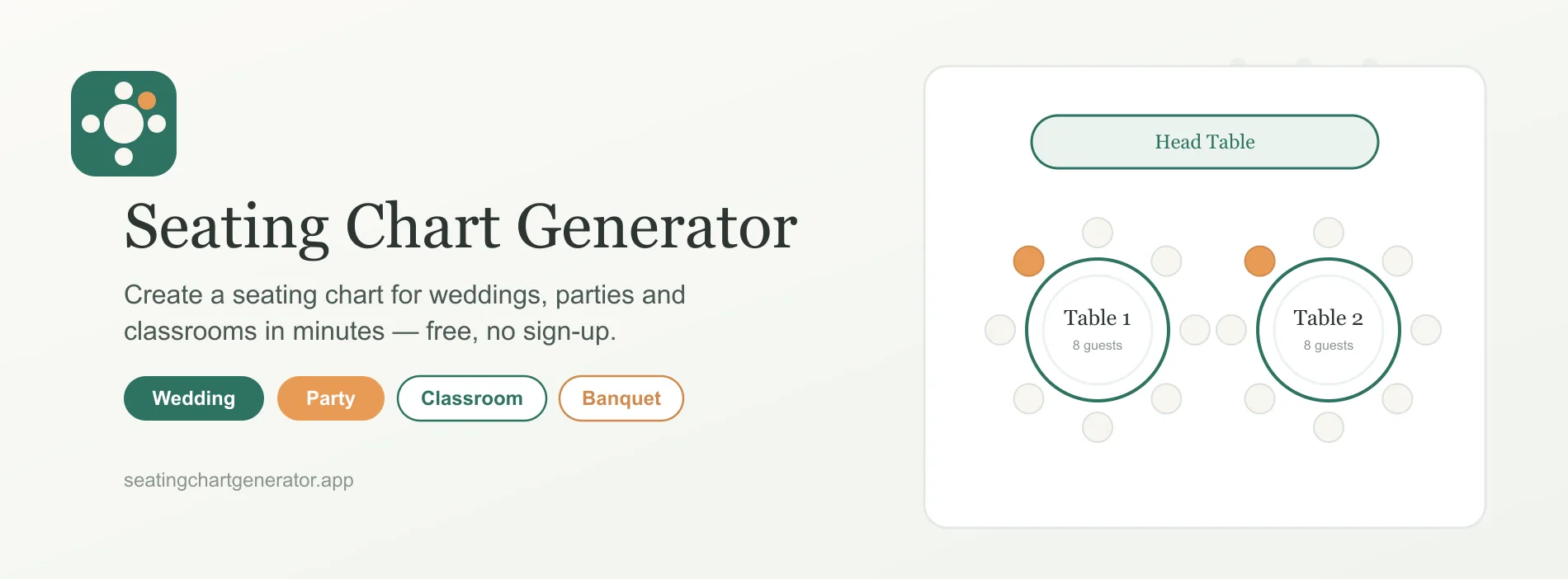
Seating Chart Generator helps you create a clean, print-ready seating plan in minutes. Add your guest list (by typing names or pasting in bulk), choose an event-ready layout, set the number of tables and seats, and then arrange seating with simple drag-and-drop.
Start with built-in room styles like round tables, long tables, head tables, U-shapes, and classroom desk rows. Use one-click auto assign to spread guests across your tables evenly, then fine-tune placement by moving guests between tables and seats.
When everything looks right, export your seating chart as a high-resolution PNG or a print-ready PDF for venue sharing and printing. Everything runs in your browser, with your guest list processed locally on your device.
Can I create and export a seating chart without an account?
Yes. You can build and export a complete seating chart for free without signing up. The tool runs in your browser.
How do I add guests to the seating chart?
You can type names individually or paste a whole guest list. Guests start in an unassigned pool until you place them.
Does it support different room layouts?
Yes. You can use layouts such as round tables, long tables, head tables, U-shapes, and classroom desk rows, and set tables and seats per table.
Can I adjust seating after auto assigning?
Yes. Drag guests to different seats or tables, swap two guests, or move someone back to the unassigned pool before exporting.
What formats can I export for printing?
You can export a high-resolution PNG or a print-ready PDF.
Where is my guest list processed and stored?
Your guest list is processed locally in your browser and isn’t uploaded to a server.