
Video Frame Extractor
Video Frame Extractor
Extract exact frames from MP4, MOV, or WebM in your browser and download them as PNG, JPG, or WebP.
Listing signals
Popularity
High
Page views, clicks to the site and upvotes in the last 30 days, ranked against every live listing.
What is Video Frame Extractor?
Video Frame Extractor lets you pull still images from a video without uploading it. Choose a single frame, capture one frame every N seconds, extract a fixed number of frames, or export every frame as an ordered image sequence. Supported inputs include MP4, MOV, and WebM.
Your results can be downloaded as individual images or as a ZIP. Frames are saved in PNG (lossless), JPG (smaller files), or WebP (balanced size and quality), and filenames include time and frame number so you can trace each image back to its position in the video.
Frame selection is designed to be frame-accurate: the tool decodes frames directly from the video data so the saved image corresponds to the intended time/frame (including proper handling for rotated phone videos and variable frame rate timestamps). If a browser can’t decode a particular codec, it falls back to an approximate mode and labels results accordingly.
Video Frame Extractor FAQ
Can I extract frames for free without uploading my video?
Yes. Video decoding and frame creation run in your browser, and your video isn’t uploaded.
What image formats can I download?
You can export frames as PNG, JPG, or WebP. PNG is lossless, JPG is for smaller files, and WebP fits mixed use with transparency support.
Can I export every frame as an image sequence?
Yes. Use the mode that exports every frame in order, with numbered filenames suited for editing and dataset workflows.
How do I choose the exact frame or time I want?
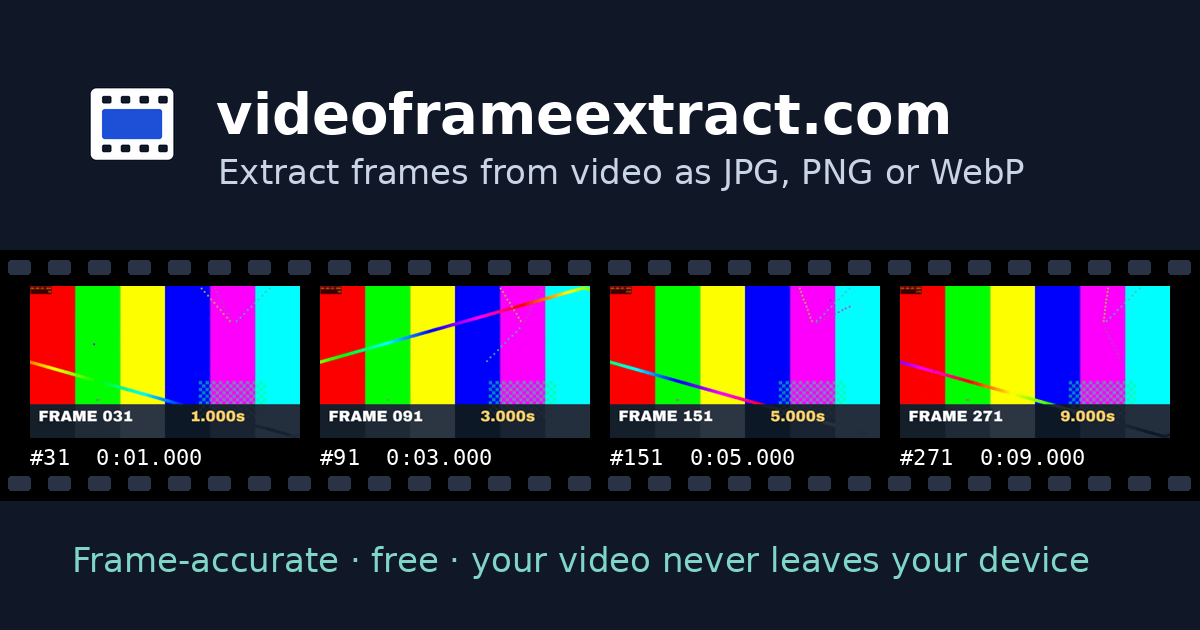
Use the frame preview and navigation controls to step frame-by-frame, move by seconds, or type a timecode. The preview shows the exact frame number and time for what you’re capturing.
Why would the tool show frames as approximate?
If your browser can’t decode the video’s codec using the direct decoding path, it falls back to the built-in player and marks results as approximate so you know they may not match perfectly.
Is there a limit on how many frames I can download at once?
Large exports are split into ZIP files, with bundles capped (for example, up to 500 frames per ZIP) to keep downloads manageable.