
imagetovideoai.net
AI Image To Video Generator
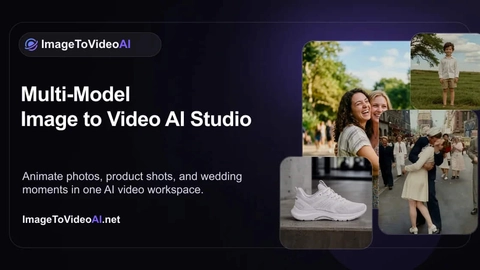
Turn one photo into a short, cinematic AI video using a single workspace with 14 leading image-to-video models.
Listing signals
Domain rating
27
Domain rating is Ahrefs' measure of domain quality according to links.
Popularity
Low
Page views, clicks to the site and upvotes in the last 30 days, ranked against every live listing.
About tool
ImageToVideoAI (imagetovideoai.net) is an AI image-to-video generator that transforms a single photo into a short clip. Upload a JPG, PNG, WebP, or even a GIF, then describe the motion you want with a simple prompt, choose a model, and generate a video you can preview and download.
Work in one workspace that includes 14 models, so you can experiment with different looks and motion styles. Typical creative uses include animating old photos, creating romantic “hug” or “kiss” style scenes, and turning product shots into cinematic, ad-like videos.
You can start free with limited welcome credits, and paid plans provide one subscription/workspace for current image and video AI models. Exports can be downloaded without watermark, and generation cost is credit-based with usage varying by model, resolution, and duration.
What does ImageToVideoAI generate?
You upload one image and generate a short AI video clip. You can prompt the motion (e.g., subtle movement, camera motion, or action-style scenes) before generating.
Which image formats are supported?
Supported formats include JPG, PNG, WebP, and GIF. Files should be within the site’s upload size limit (up to 10MB).
How do I control the animation?
Upload your image, write a simple prompt describing the motion, then select one of the available AI models and generate. Preview the result and iterate with a new prompt/model if needed.
Which AI models are available in the workspace?
The workspace includes multiple image-to-video engines such as Seedance 2.0, Kling, Veo, Wan, Hailuo 02, Runway, and Grok Imagine. You can choose different models to compare styles.
Can I download videos without a watermark?
Yes—downloads are provided without watermark. Your generated clip can be previewed in the sidebar first.
Can I try it before subscribing?
Yes. You can start with a free option that includes limited welcome credits for light testing.