
AI Kitchen Design
AI Kitchen Design
Upload a photo of your kitchen, pick a style or customize details, and preview a realistic redesign in seconds.
Listing signals
Popularity
New
Listed in the last two weeks. Popularity is ranked once a listing has two weeks of visits.
What is AI Kitchen Design?
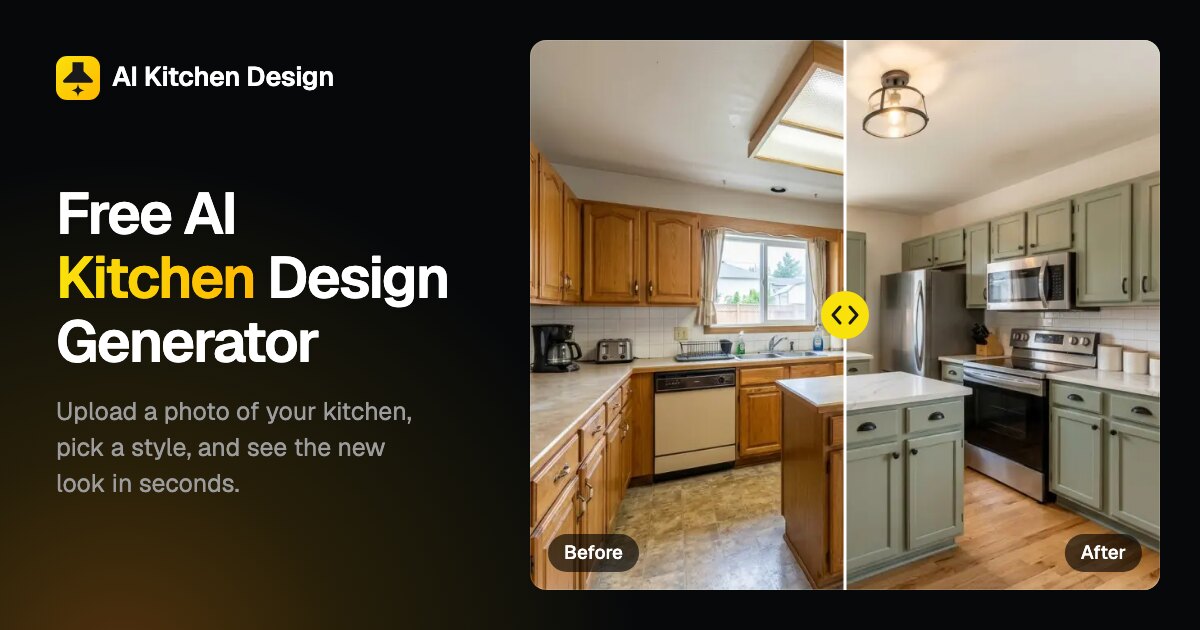
AI Kitchen Design helps you redesign your kitchen from a single photo using AI. Upload an image, select a style (like Modern Farmhouse, Japandi, or Coastal), or switch to Custom and describe the look you want. You can also keep your existing kitchen layout so cabinets, windows, and appliances stay where they are.
Choose what to refresh—cabinet fronts, countertops, backsplash, and flooring—then generate new visuals quickly. For best results, use a bright, clear photo showing the whole kitchen with clean countertops.
Once you’re happy with a concept, download the finished design to your device. Your work is saved in My Designs so you can revisit previous ideas, compare before/after views, and iterate on what you like.
AI Kitchen Design FAQ
What is AI Kitchen Design?
AI Kitchen Design is an AI kitchen redesign generator that creates realistic redesign previews from a photo of your existing kitchen.
Is AI Kitchen Design free to use?
Yes—it's a free AI kitchen design generator, with each generated design using credits.
How fast does a kitchen redesign preview generate?
After you upload your photo and choose your style or options, the redesign is generated in seconds.
Can it keep my current kitchen layout?
Yes. Turn on “Keep current layout” to keep cabinets, windows, and appliances in the same positions while updating the look.
Can I choose my own cabinets, countertops, and flooring?
Yes. You can pick options for cabinets, countertops, backsplash, and flooring, and you can also leave any of them as “Original.”
What kind of photo works best?
Use a bright, clear photo that shows the whole kitchen and includes clean countertops for the most realistic results.