subclip.app
AI Video Editing Toolkit
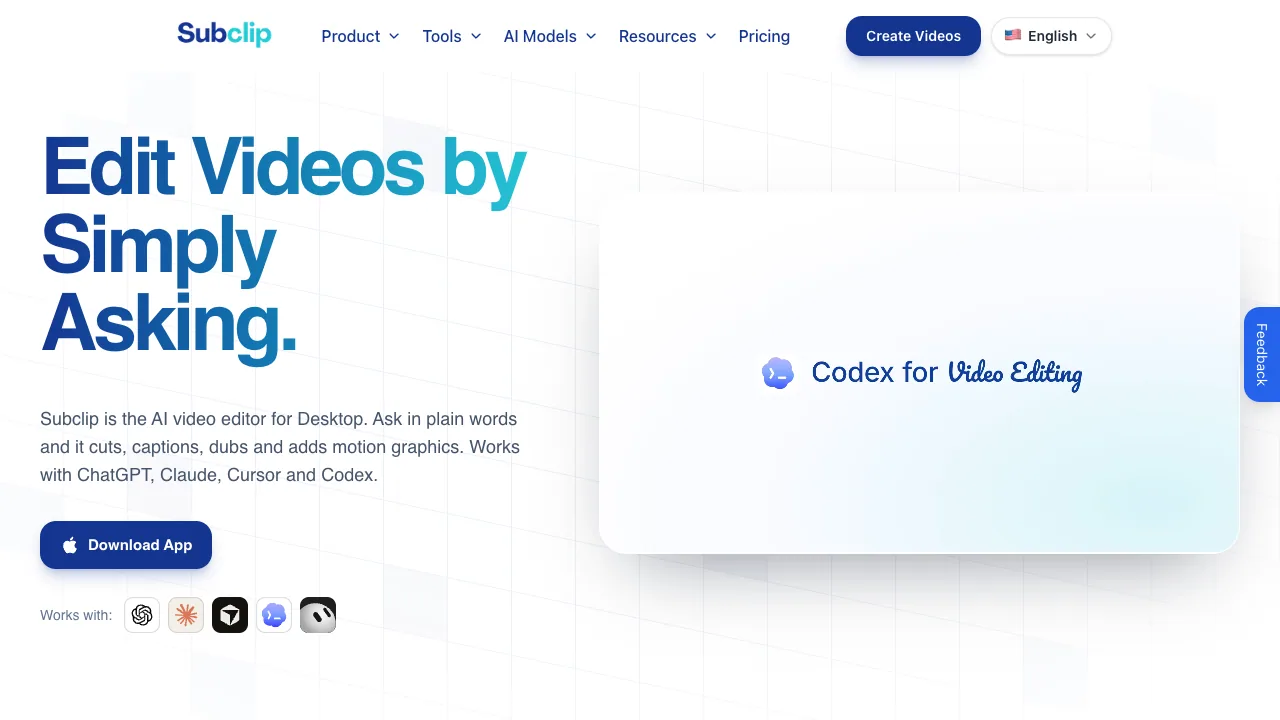
Subclip.app is a browser-based AI video editor that turns long videos into clips with captions, and AI voice dubbing in many languages.
Listing signals
Domain rating
33
Domain rating is Ahrefs' measure of domain quality according to links.
Popularity
Low
Page views, clicks to the site and upvotes in the last 30 days, ranked against every live listing.
What is subclip.app?
Subclip.app is an AI-powered post-production workspace that turns long videos into ready-to-publish clips with captions, motion graphics, and localized voice dubbing.
Clip creation by plain-text prompts
Subclip.app is built around a simple workflow: upload a long video once, then describe the edit in plain words. Subclip handles the timeline work so you can focus on the outcome—short-form clips, subtitles, and dubbed versions built from the same source footage.
Caption templates and an editor UI
Your caption workflow includes AI-generated captions plus editor controls for refinement. You can pick caption templates that match your style, including Bold, Authority, Composite, Minimalist, and Clean, then adjust the result in a UI designed for precise edits.
Multi-track timeline and motion design controls
Edits are handled with a multi-track timeline and support for text/captions, animations, transitions, audio, images and video, and motion-design elements. This gives you a visible editing workflow rather than a fully automated black-box result.
Translation and voice dubbing in many languages
Subclip app supports transcription in 48+ languages and AI dubbing/voice cloning in 21+ languages. The dubbing workflow is designed to generate a new voice track that matches the original timing, tone, and delivery for localized versions.
Export formats, and scheduling for creators
Outputs can be prepared for multiple aspect ratios including 16:9, 9:16, and 1:1. Video scheduling is supported for YouTube and X.
Plans, free use, and storage
- Free to try: Subclip offers free tools for quick workflows.
- Creator plan: 10 GB cloud storage; includes AI video editor, MCP server, AI generation, avatars, text-to-speech, music generation, image generation, background removal, and voice enhancement; includes 600 credits/month (add-on credits with rollover).
- Pro plan: 15 GB cloud storage; includes 1,050 credits/month.
- Business plan: 25 GB cloud storage; includes 2,000 credits/month.
Subclip also offers unlimited video exports. Subscriptions are presented as Monthly/Yearly, with “Get 2 months free with yearly billing.”
Important workflow notes for AI Credits
If you edit with your own Claude, Codex, Cursor, or Grok subscription, prompt editing does not use Subclip AI Credits. Credits apply to Subclip’s AI video, image, audio, and voice generation, plus voice enhancement and background removal.
How to submit to Subclip.app Subclip.app is used directly by creators through its app interface (download app / create videos). The page doesn’t describe a separate submission/approval process for listing items or product promotion placements; instead, use Subclip.app for editing workflows (including styled captions, dubbing, and motion design).
subclip.app FAQ
How does Subclip.app create clips from a long video?
Upload a long video once, then describe the edit in plain words in Subclip.app. Subclip handles the timeline to create publish-ready short-form clips and the associated caption workflow.
Can I edit using a transcript instead of a manual timeline?
Yes. Subclip.app includes “Edit by transcript,” letting you work from text and make precise trims and corrections without doing frame-by-frame timeline work.
What caption options are available in Subclip.app?
Subclip.app generates captions and lets you use caption templates and styles. Available templates include Bold, Authority, Composite, Minimalist, and Clean, with the ability to refine the captions inside the editor UI.
What languages are supported for transcription and dubbing in Subclip.app?
Subclip.app supports transcription in 48+ languages and AI dubbing/voice cloning in 21+ languages.
Does Subclip.app voice dubbing match the original tone and delivery?
Subclip.app’s AI dubbing/voice cloning is designed to generate a new voice track that matches the original timing, tone, and delivery so localized versions stay faithful to the performance.
Which platforms can I schedule videos for?
Subclip.app supports scheduling for YouTube and X. Other platforms are listed as coming soon.
Is Subclip.app free to use?
Subclip.app offers free tools for quick workflows. Pricing is also available via Creator, Pro, and Business plans with monthly or yearly billing (yearly includes “2 months free”); credits and cloud storage are included per plan.
What are some alternatives to subclip.app?
Similar listings to compare with subclip.app:
- seedances.app: seedances.app is an AI video generator that creates videos from text or images using multimodal AI—start for free.
- FreeVideoGenerator: FreeVideoGenerator is a free AI video generator that turns text prompts and photos into short video clips.
- grokvideo.pro: Grok Video turns text and images into 4K AI videos in minutes using natural-language prompts for social, marketing, and personal projects.
- aisora2.com: AISora2 is a Sora 2-powered AI video generator that turns text or images into cinematic, photorealistic videos with synced audio.
- imagebyqwen.com: ImageByQwen generates photorealistic images from text prompts using Qwen Image, with an image editor and credit-based usage plus free trial credits.