
klingaivideo.com
AI Video Generator
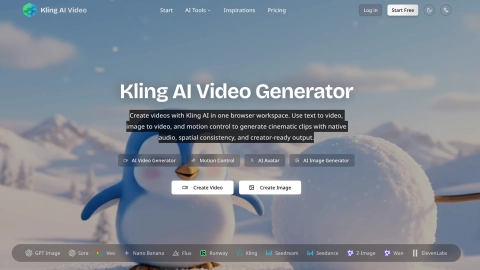
Kling AI Video Generator creates cinematic clips in your browser using text-to-video, image-to-video, and motion control with native audio.
Listing signals
Domain rating
31
Domain rating is Ahrefs' measure of domain quality according to links.
Popularity
Medium
Page views, clicks to the site and upvotes in the last 30 days, ranked against every live listing.
About tool
Kling AI Video Generator is a browser-based tool for creating cinematic video clips from a text prompt, a still image, or motion control references. Generate short scenes with Kling 3.0 in multiple output modes (Std, Pro, and 4K), then download creator-ready results—all in one workspace.
For text-to-video, describe your scene in natural language to produce cinematic clips with native audio co-generation. For image-to-video, upload a photo and animate it while preserving spatial consistency like object positions, lighting angles, and perspective. For character work, motion control transfers movement from a reference video onto your character image, supporting full-body synchronization and precise hand gestures.
You can also compare models side by side in the same platform, including Veo and Wan, plus additional image tools like GPT Image and Seedream. Use the platform’s model selector to choose the approach that fits your creative goal—storyboarding, character animation, or rapid concept iteration.
What can I create with Kling AI Video Generator?
You can generate videos using text-to-video, animate an uploaded image with image-to-video, and create character animation with motion control using a reference video.
Does Kling AI generate audio with the video?
Yes. Kling supports native audio co-generation, producing synchronized dialogue, sound effects, and background audio alongside the generated visuals.
How does motion control work?
Upload a character image and a reference video (MP4/MOV). The system extracts movement frame-by-frame and maps it onto your character, with options for video orientation or image orientation presets.
What output options are available for Kling 3.0?
Kling 3.0 supports Std/Pro/4K modes and multi-scene generation for 3–15 second clips. You can select duration, aspect ratio, and generation mode during setup.
Can I switch between Kling and other models in the same workspace?
Yes. The platform lets you choose Kling or other available models like Veo and Wan, and generate with them from the same interface for easier comparison.
Do I need to install software to use it?
No. Everything runs in a browser-based workspace, with no downloads required for generation workflows.