
Topview T1
Topview T1
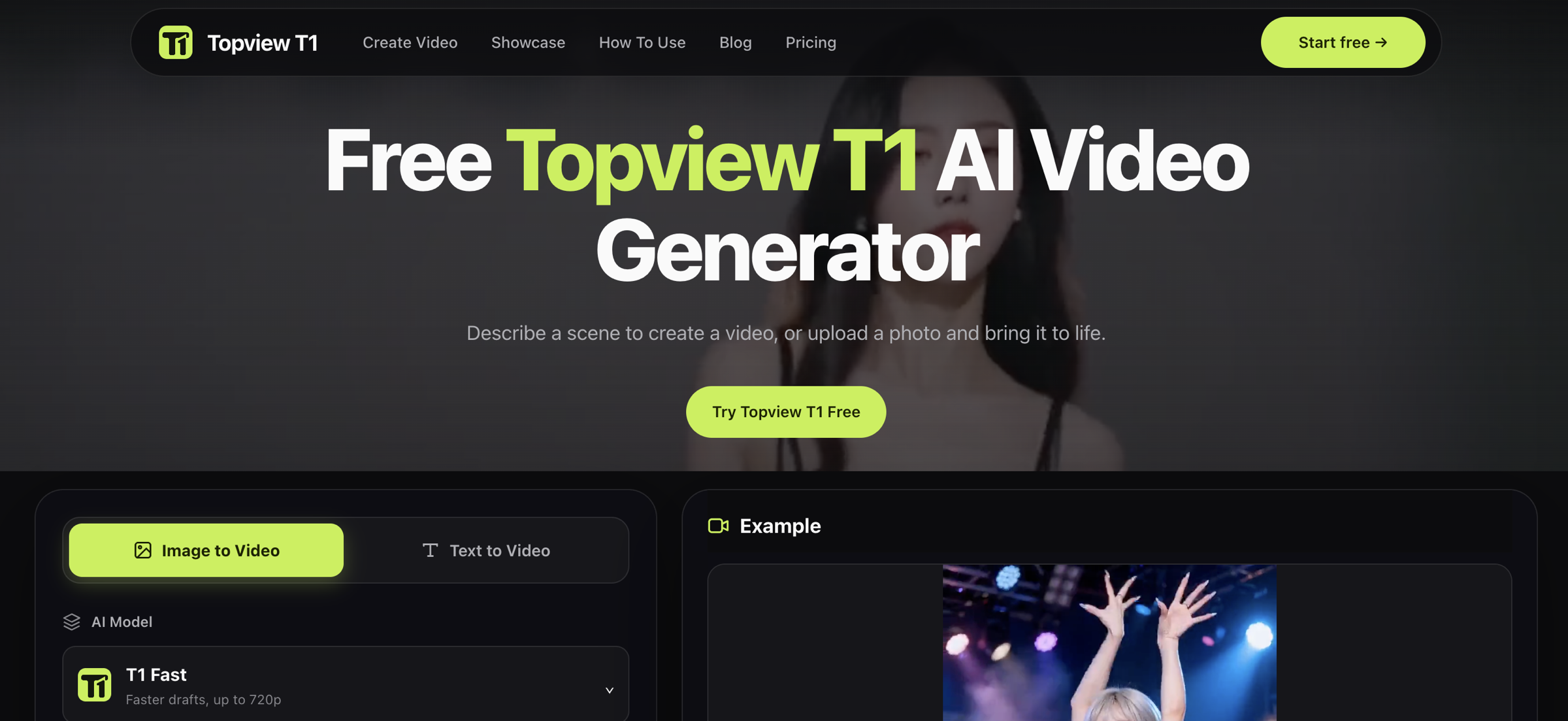
Topview T1 is an AI video generator that creates videos from text prompts or uploaded images with controllable motion and camera direction.
Listing signals
Popularity
Medium
Page views, clicks to the site and upvotes in the last 30 days, ranked against every live listing.
What is Topview T1?
Topview T1 is an AI video generator that turns a written scene or an uploaded photo into a generated video clip.
What Topview T1 does
Topview T1 helps you create video from two kinds of starting points:
- Text to video: describe the subject, setting, and main action, then add the movement details you want.
- Image to video: upload an image and explain what should change in it (for example, drifting steam, turning fabric, or a camera move closer).
This model is positioned as a lower-cost alternative to Seedance 2.5, and the practical difference for your workflow is how reliably it produces the specific shot you’re aiming for—whether that’s a product detail, a clear moving subject, or the mood of a story scene.
How to use Topview T1
A typical workflow is straightforward:
- Choose your starting point (text or image).
- Describe movement clearly. Tell it what moves and how the camera behaves.
- Generate and preview. Review the clip from start to finish and simplify or refine your instruction if the action looks off.
Topview T1 also supports creating different versions of the same shot by adjusting your instructions and comparing the previews.
Motion-focused prompting tips
- Specify one main subject and one clear action first.
- When needed, separate subject motion from camera movement (for example: “The cup stays on the table; the camera moves closer” vs “The cup slides forward; the camera stays still.”).
What you can create with Topview T1
Topview T1 is useful for:
- Product videos from photos: request a presentation-style motion (like rising steam) and then preview to verify details such as shape and label.
- Social media clips with a clear subject: start from a simple illustration/photo and describe a recognizable action.
- Story scenes before final filming: sketch a moment you haven’t captured by describing setting + action.
Upload and generator options
For image to video, you can upload PNG, JPG, JPEG, or WEBP images. The image upload slot shows 9 remaining, and the generator includes options such as 16:9 aspect ratio and 480p resolution with 5s clips.
Quick-start
- Start with the version that best matches your intended subject + action.
- Use the preview to decide whether to iterate or move on to your larger edit.
Topview T1 FAQ
Can Topview T1 create a video from text?
Yes. With Topview T1, you write the scene (subject, setting, and main action) and include the motion details and camera behavior you want in the generated clip.
Can Topview T1 create a video from an uploaded photo?
Yes. Upload an image in Topview T1 and describe what should move and how the camera should behave (for example, steam drifting or a gentle camera approach).
What file types can I upload for image to video?
Topview T1 supports PNG, JPG, JPEG, and WEBP image uploads for image-to-video creation.
How should I describe movement to get clearer results?
Describe a single, clear subject and one main action first, then add camera instructions. If the request is getting ambiguous, separate subject motion from camera movement so the prompt specifies which part changes and how.
Do I need to match the generated video exactly to the original photo?
Topview T1 works best when you treat the source image as a starting point rather than an exact match requirement. For product use, preview the output and verify details like shape and label before using it in a final promotion.
Is Topview T1 free to try?
Yes. Topview T1 offers a free option to try generating videos before you proceed to additional use.
What are some alternatives to Topview T1?
Similar listings to compare with Topview T1:
- seedances.app: seedances.app is an AI video generator that creates videos from text or images using multimodal AI—start for free.
- Flux 3.net: Flux 3.net is a free, browser-based AI image and video generator that creates 4K results from text prompts or reference photos.
- chatgptimage.app: ChatGPTimage.app turns text prompts into AI photos (up to 4K) and lets you edit uploaded images using GPT Image models.
- AI Video Generator Free: AI Video Generator Free helps you create AI videos from text or images with an always-free option and no login requirement.
- FreeVideoGenerator: FreeVideoGenerator is a free AI video generator that turns text prompts and photos into short video clips.