
Audio To Text Converter
Audio To Text Converter
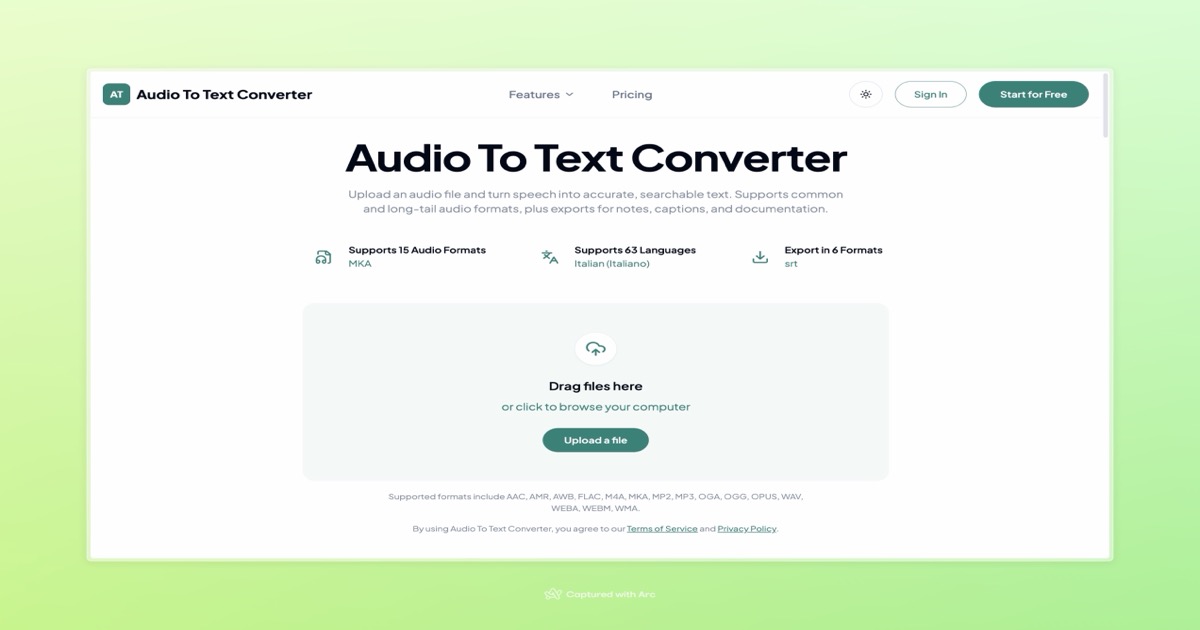
Upload audio to generate accurate, editable transcripts, then export them for notes, captions, documentation, or structured data.
Listing signals
Domain rating
3
Domain rating is Ahrefs' measure of domain quality according to links.
Popularity
Low
Page views, clicks to the site and upvotes in the last 30 days, ranked against every live listing.
About tool
Audio To Text Converter turns spoken audio—such as interviews, meetings, lectures, and voice memos—into readable, searchable transcripts. Upload your recording to get an AI-generated transcript you can quickly review and edit.
After transcription, export your results in the format that matches your workflow. Save as TXT or DOCX for editing and notes, PDF for sharing and documentation, SRT or VTT for subtitle/caption work, or CSV when you need a structured table. The tool also supports transcripts in many languages and a wide range of common audio file types.
If you want cleaner results, start with an audio file where voices are clearly audible. For best accuracy, listen through difficult sections, use the original recording when possible, and choose the correct spoken language before reviewing and exporting your transcript. You can also use free credits to transcribe without paying upfront.
How do I use Audio To Text Converter?
Upload an audio file, run AI transcription, then export the transcript in the format you need (TXT, PDF, DOCX, SRT, VTT, or CSV).
Is this the same as speech to text or voice to text?
Yes. Audio To Text Converter performs speech-to-text transcription by converting spoken audio into written text.
Do I need to convert my audio file before uploading it?
Usually not. The converter supports many popular formats including MP3, WAV, M4A, and additional common audio types.
Which export format should I choose for my use case?
Use TXT or DOCX for editing and notes, PDF for documentation/sharing, SRT or VTT for captions and subtitles, and CSV when you need a structured table.
Can I generate subtitles from the transcript?
Yes. Export the transcript as SRT or VTT to use it in subtitle and caption workflows.
How can I improve transcript quality before exporting?
Use the clearest original recording, listen to difficult sections to confirm voices are audible, and make sure the correct spoken language is selected before you review and edit the transcript.