
Bonsivo
Bonsivo
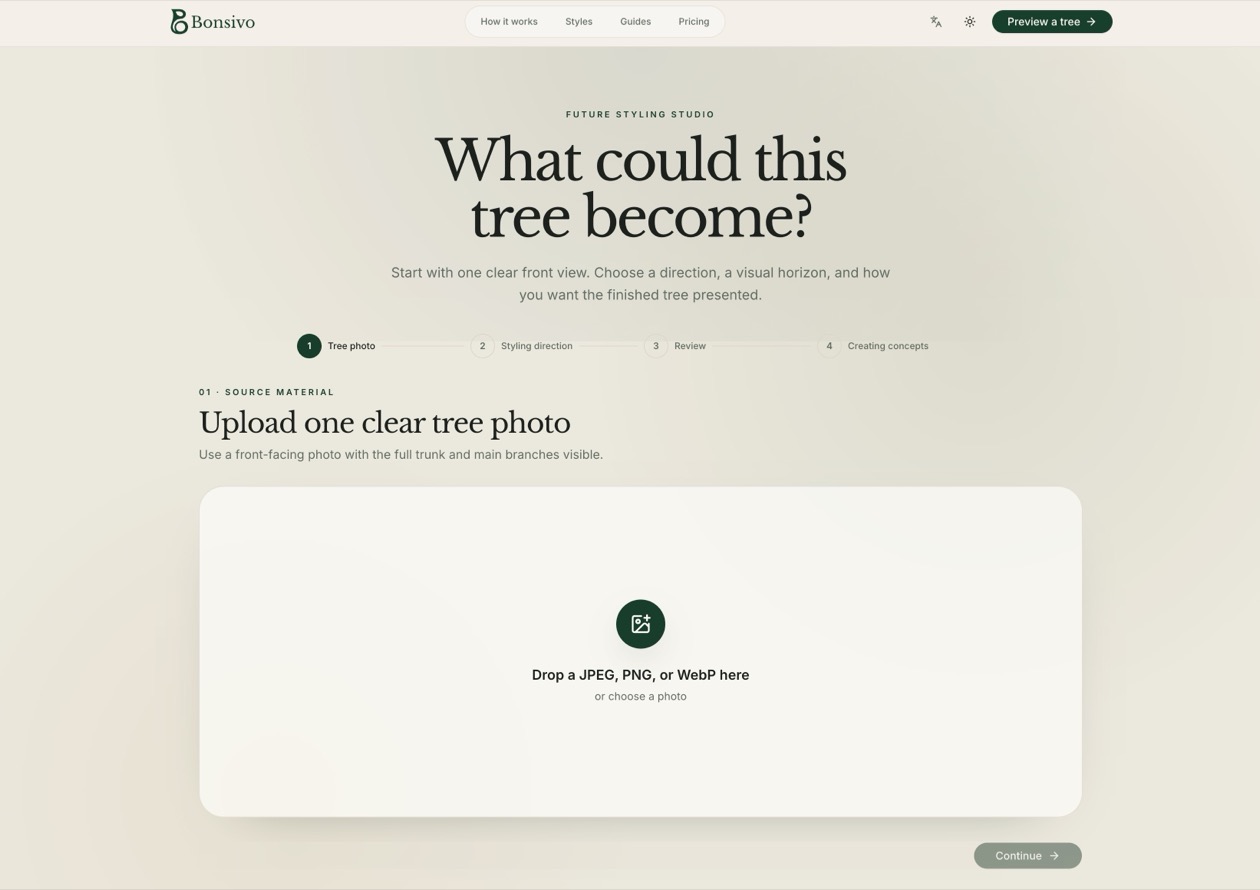
Upload a photo of your bonsai to generate structure-aware design concepts in multiple styles before you make cuts.
Listing signals
Popularity
High
Page views, clicks to the site and upvotes in the last 30 days, ranked against every live listing.
About tool
Bonsivo is a future visualizer for bonsai styling that turns a single tree photo into a decision board of AI concepts. Explore six classic styles and compare four structure-aware directions so you can judge what the visible base, trunk movement, and primary branch positions could become.
Choose your styling horizon (1, 3, or 5-year visual framing) and review grounded concept images alongside your original. You can save individual concepts, a before/after comparison, or a four-up overview to help you discuss options with a mentor or narrow down a plan.
Concepts are for visual inspiration, not pruning instructions. Start with one free low-resolution preview, then purchase one-time credit packs for complete concept sets (credits expire 365 days after purchase).
How does Bonsivo generate bonsai styling concepts from my photo?
You upload a clear front-view tree photo, then Bonsivo creates a concept set of four structure-aware future directions. The concepts are anchored to what the camera can visibly read (root base, trunk movement, and primary branch positions).
Does Bonsivo preserve my exact tree?
It keeps your original tree as the visible reference while generating four alternative directions. AI may reinterpret finer details, but the concepts remain anchored to the visible structure.
What does one credit (a concept set) generate?
One concept set generates four future directions per credit, with downloads available as single images, a comparison (before/after), and a four-up overview. Packs include all six styles and multiple visual horizons.
Is a 5-year concept a real growth forecast?
No—it's a visual horizon for inspiration, not a forecast. Treat the concepts as ideas to discuss and evaluate before making irreversible cuts.
What photo works best for structure-aware results?
Use a clear front view where the trunk base and primary branches are visible against a quiet background. Giving the tree room to be read helps keep the concepts connected to your real material.
Should I prune directly from an AI concept?
No. Bonsivo concepts are visual inspiration only, not pruning instructions. Use them to explore direction, then decide with real-world evaluation.