nocodefinder.com
No-Code Tools Directory
nocodefinder.com helps you discover and compare no-code tools to build apps, websites, and automations with practical filters and selection criteria.
Listing signals
Domain rating
42
Domain rating is Ahrefs' measure of domain quality according to links.
Popularity
Low
Page views, clicks to the site and upvotes in the last 30 days, ranked against every live listing.
Built withWebflow
Webflow makes it easy to build tools.
What is nocodefinder.com?
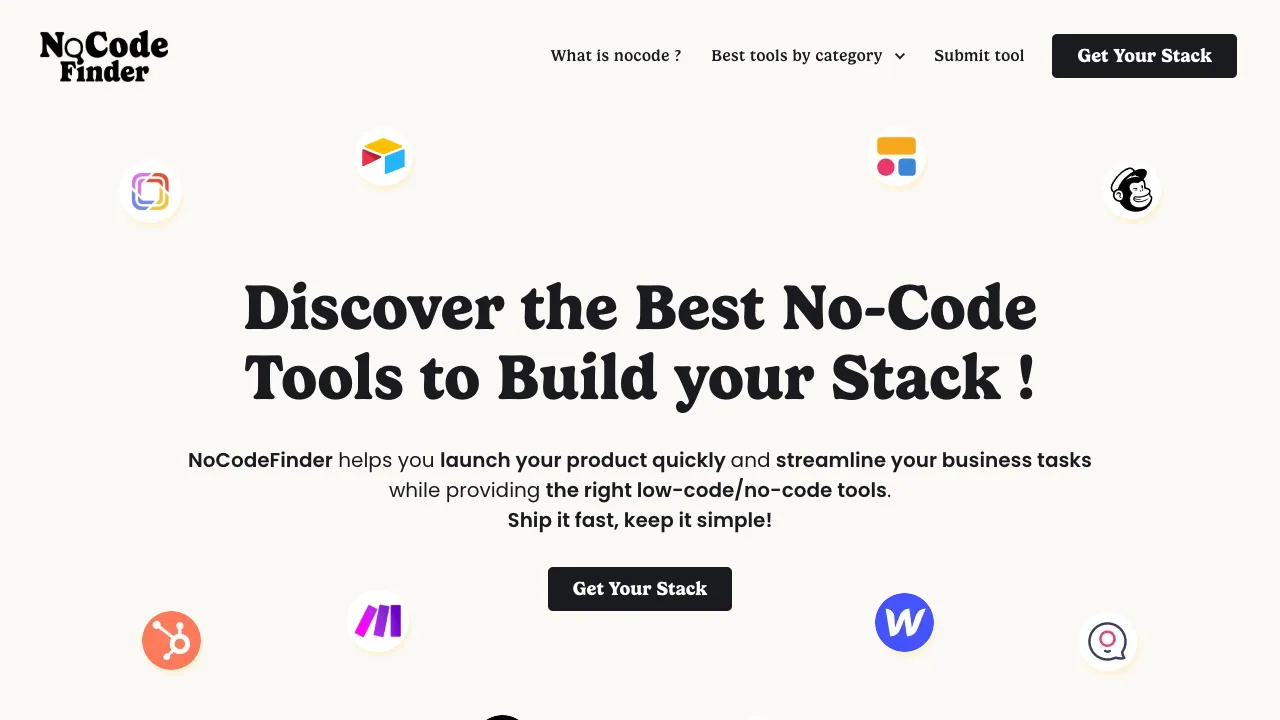
nocodefinder.com is a no-code tools directory built to help you “Get Your Stack” by discovering platforms to launch products quickly and streamline business tasks.
Browse by category and focus area across building blocks like no-code app builders, website builders, frontend/backend/database builders, and open-source builders. Explore tools for common use cases including project management, documentation, CRM, landing pages, eCommerce, mobile apps, chatbots, automation, forms, and internal tools.
Use filters to narrow options based on decision-making criteria such as API availability, free trials, self-hosted options, skill level (beginner, intermediate, advanced), and feature support including code export, workflows, AI-powered features, webhooks, scraping, authentication, AB testing, data collection/enrichment, and growth/marketing needs like SEO, lead generation, email/SMS campaigns, and social media management.
nocodefinder.com FAQ
What can I use nocodefinder.com for?
Use it to discover and compare no-code tools for building apps, websites, and automations, then narrow your choices using filters aligned to your needs.
What categories of no-code tools are included?
The directory covers categories such as no-code app builders, website builders, frontend and backend builders, database builders, and open-source builders, with tools mapped to use cases like CRM, eCommerce, automation, and more.
Can I filter tools by features?
Yes. You can filter by capabilities including code export, workflows, AI-powered features, AB testing, scraping, webhooks, authentication, and additional growth and data features.
Does the listing include tools that offer self-hosted options?
Yes. You can look for tools that provide a self-hosted option when you evaluate data control and ownership.
How can I choose based on skill level?
Tools are organized by skill level—beginner, intermediate, and advanced—so you can focus on options that match your experience.
How do I add a tool?
Use the “Submit tool” option and provide the tool details so it can be added to the listings.