CleanStmt
CleanStmt
CleanStmt is an AI OCR bank statement converter that turns statement PDFs, scans, and screenshots into editable Excel and accounting-ready exports.
Listing signals
Popularity
New
Listed in the last two weeks. Popularity is ranked once a listing has two weeks of visits.
About tool
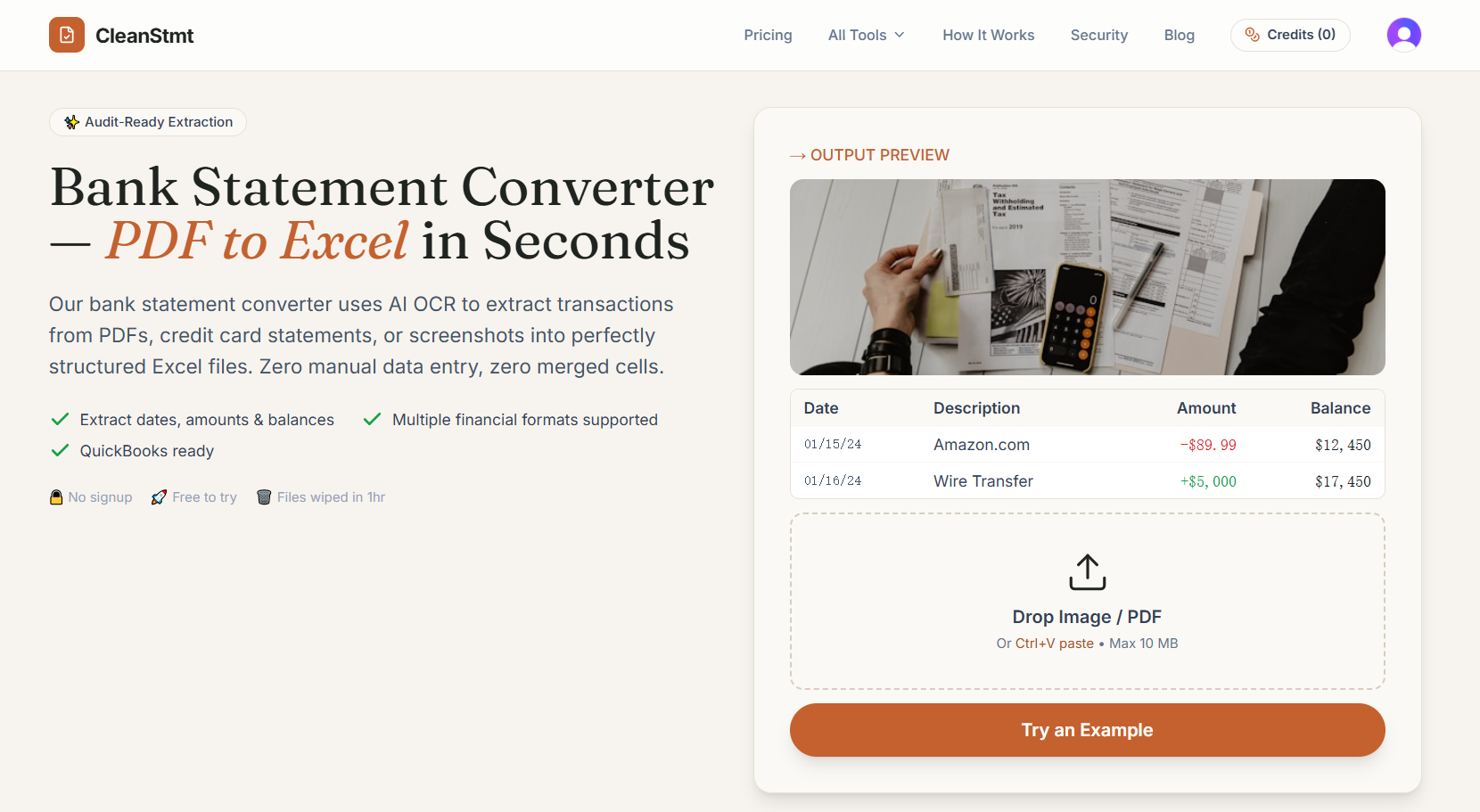
CleanStmt converts bank statement PDFs, credit card statements, or screenshots into structured transaction data using AI OCR. Extract dates, descriptions, amounts, and balances into a table with one transaction per row (no merged cells), then review the results and edit anything that needs correction before exporting.
Choose the output format that fits your workflow. Download clean Excel, CSV, Word, or compatible accounting formats such as QBO, QIF, and OFX. Accounting exports work best when the extracted statement table matches the format requirements, so you can validate and correct the extracted rows before you download.
For batch work, CleanStmt supports converting up to 10 text-based PDFs in one go with paid access and sufficient page credits. Get results as individual Excel files in a ZIP, a single workbook with one sheet per successful PDF, or separate downloads—while keeping a clear privacy boundary around source-file storage and result retention.
Is CleanStmt free to try?
Yes—there are free pages available for conversion with no signup. Batch conversion isn’t included with free daily pages.
What kinds of statement inputs can I convert?
You can upload PDFs (including scans) and images (JPG/PNG), or paste a screenshot in single-file mode. Batch conversion supports text-based PDFs only.
What can I export after conversion?
You can download results as Excel (XLSX), CSV, Word, and supported accounting formats including QBO, QIF, and OFX. Excel output uses clean tables with no merged cells.
Can I edit the extracted transactions before downloading?
Yes. Review the extracted table and correct rows or individual cells before exporting the final file(s).
How does batch conversion work?
With paid access and enough remaining page credits, you can batch-convert up to 10 text-based PDFs. You’ll be able to download a ZIP of Excel files, or one workbook with one sheet per successful PDF, in upload order.
Are my source documents stored?
Source PDFs and images are not saved. Saved conversion results follow a limited retention window tied to active paid access or a credit-pack purchase, with an option to delete results early.