
Invoiceize
Invoiceize
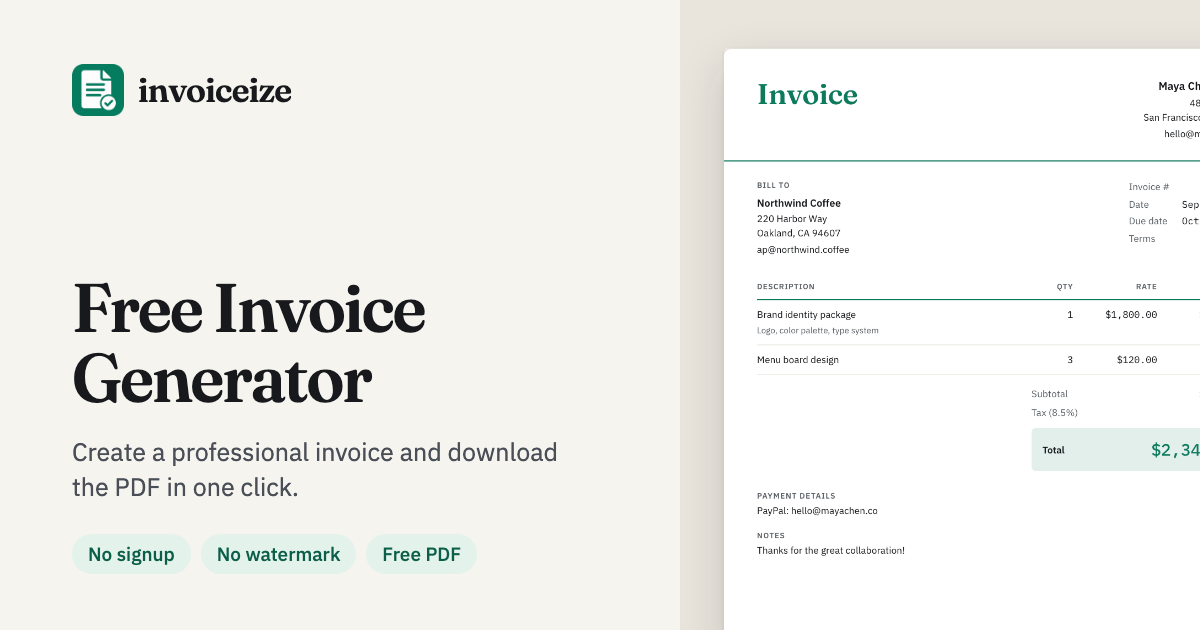
Invoiceize is a free invoice generator that helps freelancers and small businesses create, customize, and download professional PDFs in minutes.
Listing signals
Popularity
High
Page views, clicks to the site and upvotes in the last 30 days, ranked against every live listing.
What is Invoiceize?
Invoiceize lets you generate invoices online with a live preview as you type. Fill in your business details, add client information, and list line items—totals, taxes, discounts, and shipping are calculated automatically so your invoice adds up correctly.
Customize the look using Classic, Modern, or Minimal templates, upload a logo (PNG, JPG, or SVG), and adjust branding elements like color and fonts. You can also add invoice sections and fields such as PO number, payment terms, tax details, and signature lines, and click directly on the invoice to edit text in place.
Your drafts autosave in your browser with no sign-up required. When you’re ready, download a clean PDF (no watermark) or print directly, and use the same workflow to create related documents like receipts and quotes.
Invoiceize FAQ
Is Invoiceize free to use?
Yes. Creating, editing, and downloading invoices is free, and PDFs are available without a watermark.
Do I need an account to create and download invoices?
No sign-up is required to create invoices or download them.
Where are my invoice drafts saved?
Drafts save automatically in your browser. You can reopen, duplicate, or delete past invoices from your saved documents.
Can I add my logo and brand styling?
Yes. Upload a logo in PNG, JPG, or SVG format, and choose an invoice template style, color, and heading/line-item fonts.
How does Invoiceize handle taxes, discounts, and totals?
It calculates line totals, subtotal, tax, discounts, shipping, and the final total as you enter values, with rounding based on the selected currency.
Can I paste line items from a spreadsheet?
Yes. Copy rows from Excel or Google Sheets and paste them into a line item field—each row becomes its own line with the quantity and rate split into columns.