PDF Studio
PDF Studio
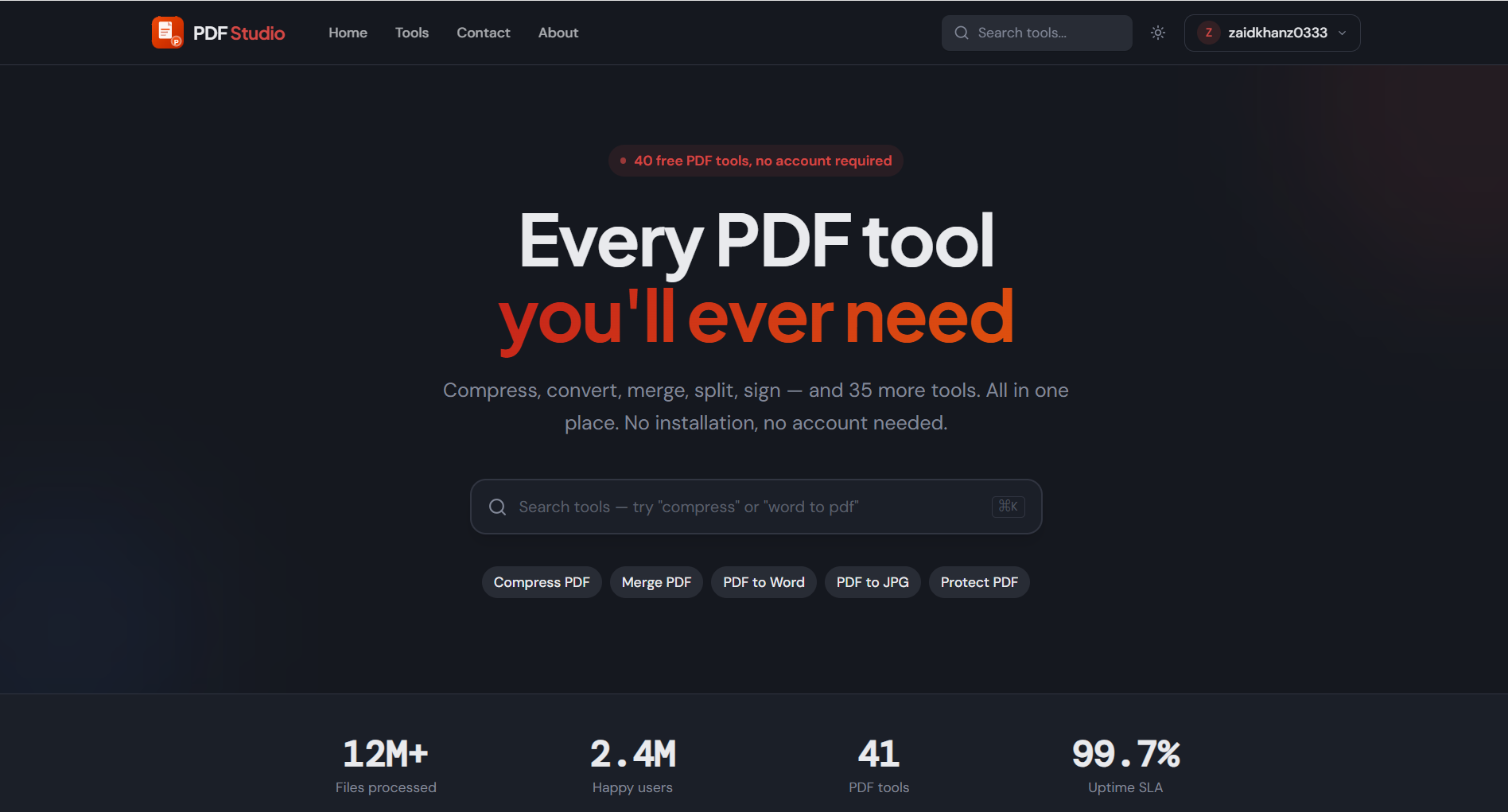
PDF Studio is a free online toolkit to compress, convert, merge, split, sign, edit, protect, and redact PDFs in your browser.
Listing signals
Popularity
Low
Page views, clicks to the site and upvotes in the last 30 days, ranked against every live listing.
About tool
PDF Studio brings a curated set of PDF tools into one fast, browser-based workspace—no installation and no account required. Tackle everyday document workflows with management tools (compress, merge, split, organize) and conversion tools (PDF to Word/Excel/PowerPoint/images and the reverse).
Need security or cleanup? Use Sign PDF to add digital signatures, Edit PDF to update text and images, and Redact PDF to permanently remove sensitive information. Protect PDF helps secure documents for safer sharing.
For privacy-first use, files are processed locally in your browser with no uploads, storage, or sharing. Many operations are designed to complete in under 10 seconds, aiming to preserve quality during compression and conversions.
Do I need an account to use PDF Studio?
No. You can choose a tool and start working directly in your browser without creating an account.
Are my files processed in the browser?
Yes. PDF Studio processes files locally in your browser, with no uploads, storage, or sharing.
What can I do with PDF Studio’s PDF management tools?
You can compress PDF files, merge multiple PDFs into one, split PDFs by page ranges, and organize pages by reordering, rearranging, or deleting them.
Which conversion tasks does PDF Studio support?
You can convert PDFs to formats like Word, Excel, PowerPoint, and images (JPG/PNG/HTML) and convert common documents (Word/Excel/PowerPoint/JPG/PNG/HTML) back to PDF.
How do Sign, Edit, and Redact PDF differ?
Sign PDF adds digital signatures, Edit PDF lets you update text and images inside the PDF, and Redact PDF permanently removes sensitive information.
Is browser processing designed to be fast?
Most operations are designed to complete in under 10 seconds, with no queues or waiting.