
vectosolve.com
PNG to SVG Converter
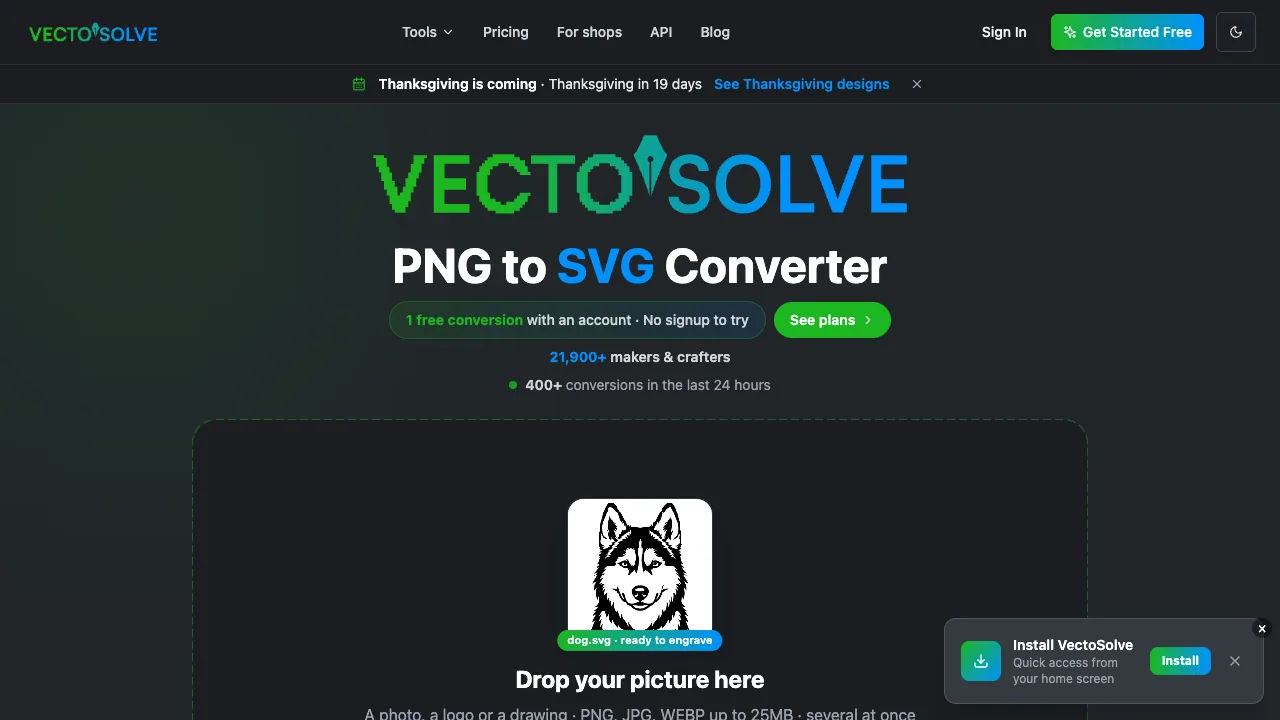
VectoSolve is an AI raster-to-vector converter that turns PNG, JPG, and WEBP images into clean, editable SVG and export-ready DXF files.
Listing signals
Domain rating
17
Domain rating is Ahrefs' measure of domain quality according to links.
Popularity
Medium
Page views, clicks to the site and upvotes in the last 30 days, ranked against every live listing.
What is vectosolve.com?
VectoSolve converts PNG, JPG, and WEBP images into scalable SVG vector graphics using AI-powered raster-to-vector conversion. It’s designed for turning logos, icons, illustrations, and other graphics into crisp paths you can edit and reuse across web, print, and design workflows.
The workflow starts with uploading one image or multiple images at once. You can preview the full result before deciding to download, then fine-tune what you get—such as removing the background and adjusting vector colors—so the file is cleaner and more cut-ready.
Download options include SVG plus production-friendly formats like DXF, along with PDF and EPS. VectoSolve output is optimized for maker and fabrication use cases, including Cricut and Silhouette-compatible SVGs, as well as laser engraving and CNC workflows via DXF.
vectosolve.com FAQ
What file types can VectoSolve convert to vectors?
VectoSolve converts PNG, JPG, and WEBP into scalable SVG vectors. After conversion, you can also export into other formats such as DXF, PDF, and EPS.
Can I remove the background during conversion?
Yes. Background removal is available as part of the conversion so your vectors start from a cleaner, cut-friendly result.
What export formats are available after the conversion?
You can download results as SVG, PNG, DXF, PDF, and EPS, depending on the output you need for your workflow.
Is batch conversion supported?
Yes. Upload several images at once and use batch conversion to generate vector outputs for multiple files in one go.
How do I know the result before downloading?
You can preview the full conversion result before you pay or download the final file. This lets you zoom in and check edges and details before committing.
Will the SVG work for Cricut, Silhouette, or laser workflows?
Yes. VectoSolve produces cut-optimized SVG output for Cricut and Silhouette workflows, and it also supports DXF export for laser engraving and CNC-style use cases.