
RemoveText.video
RemoveText.video
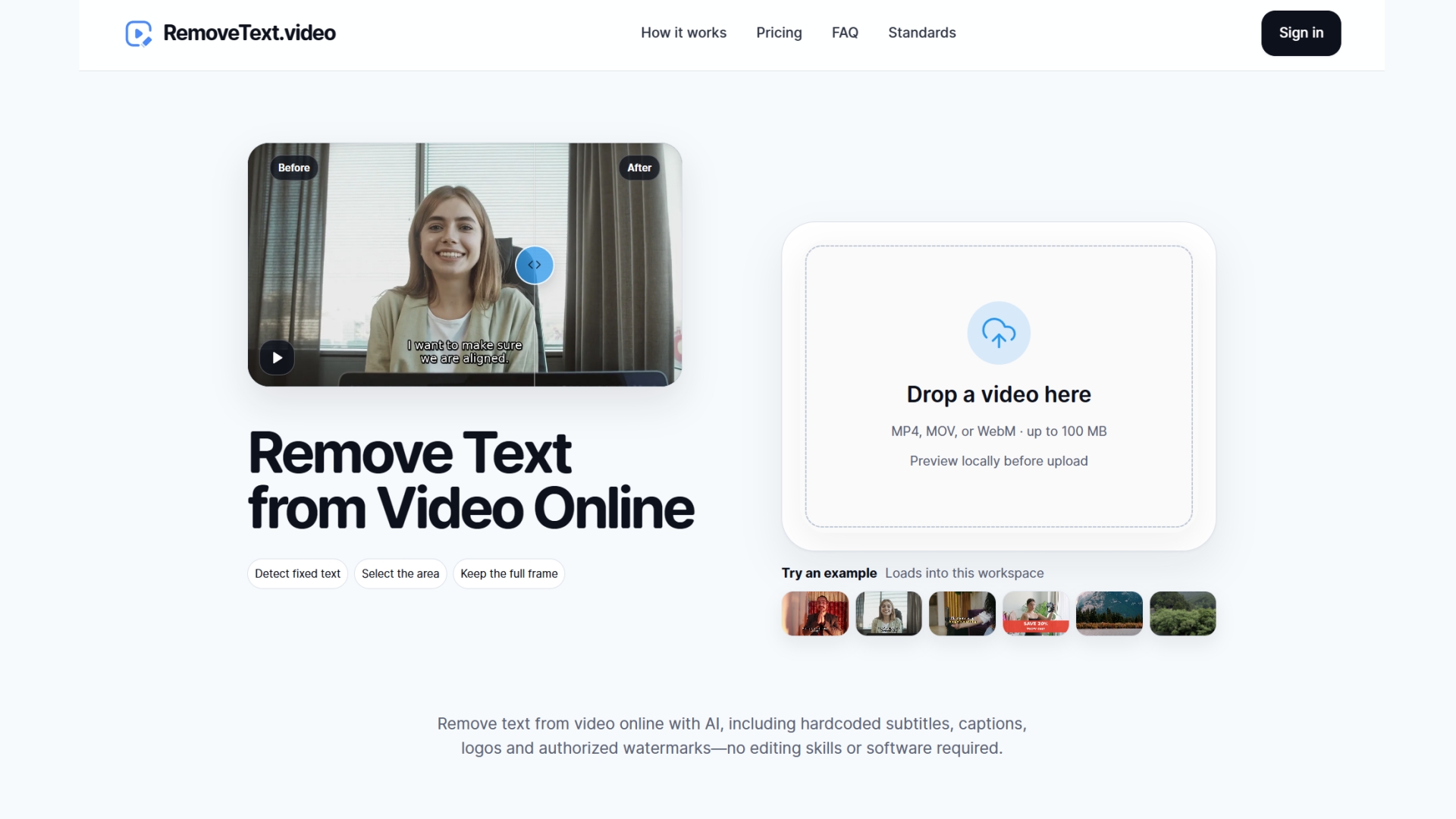
RemoveText.video uses AI to remove hardcoded text, burned-in subtitles/captions, logos, and authorized watermarks from videos without cropping.
Listing signals
Domain rating
4
Domain rating is Ahrefs' measure of domain quality according to links.
Popularity
Low
Page views, clicks to the site and upvotes in the last 30 days, ranked against every live listing.
About tool
RemoveText.video is an AI-powered video cleanup tool that removes unwanted overlays from video frames, including hardcoded on-screen text, burned-in subtitles/captions, logos, and authorized watermarks. It focuses on rebuilding only the selected area so you can keep the original framing while repairing the covered region across the video.
Upload an MP4, MOV, or WebM file (up to 100 MB) and create a local preview. Then choose the right cleanup mode (Text, Subtitles, Watermark/Logo) and draw boxes around the content you want gone. You can adjust the selection boxes before processing, review the estimate, and generate a cleaned download.
The tool is designed for licensed/authorized edits—use it only for footage you own or have permission to edit, especially when removing logos or watermarks.
What types of text can RemoveText.video remove?
It can remove hardcoded on-screen text baked into video frames, including titles, dates, labels, timestamps, and similar wording.
Can it remove burned-in subtitles and captions?
Yes. It supports removing hardcoded caption/subtitle bands. If subtitles are stored as a separate track, you may be able to turn them off in your player/editor instead.
Does it crop the video when removing text?
No—cleanup is done without cropping so the original frame and timing can be preserved for easier before/after comparison.
What videos and sizes are supported?
RemoveText.video accepts MP4, MOV, and WebM files up to 100 MB.
Do I get to preview before processing?
Yes. Selecting a file creates a local browser preview, and upload only begins after you confirm processing details and choose Process.
Can I remove any watermark or logo from any video?
Only if you own the footage or have permission to edit it. The tool supports cleanup of authorized logos and watermarks.