
removevideobg
removevideobg
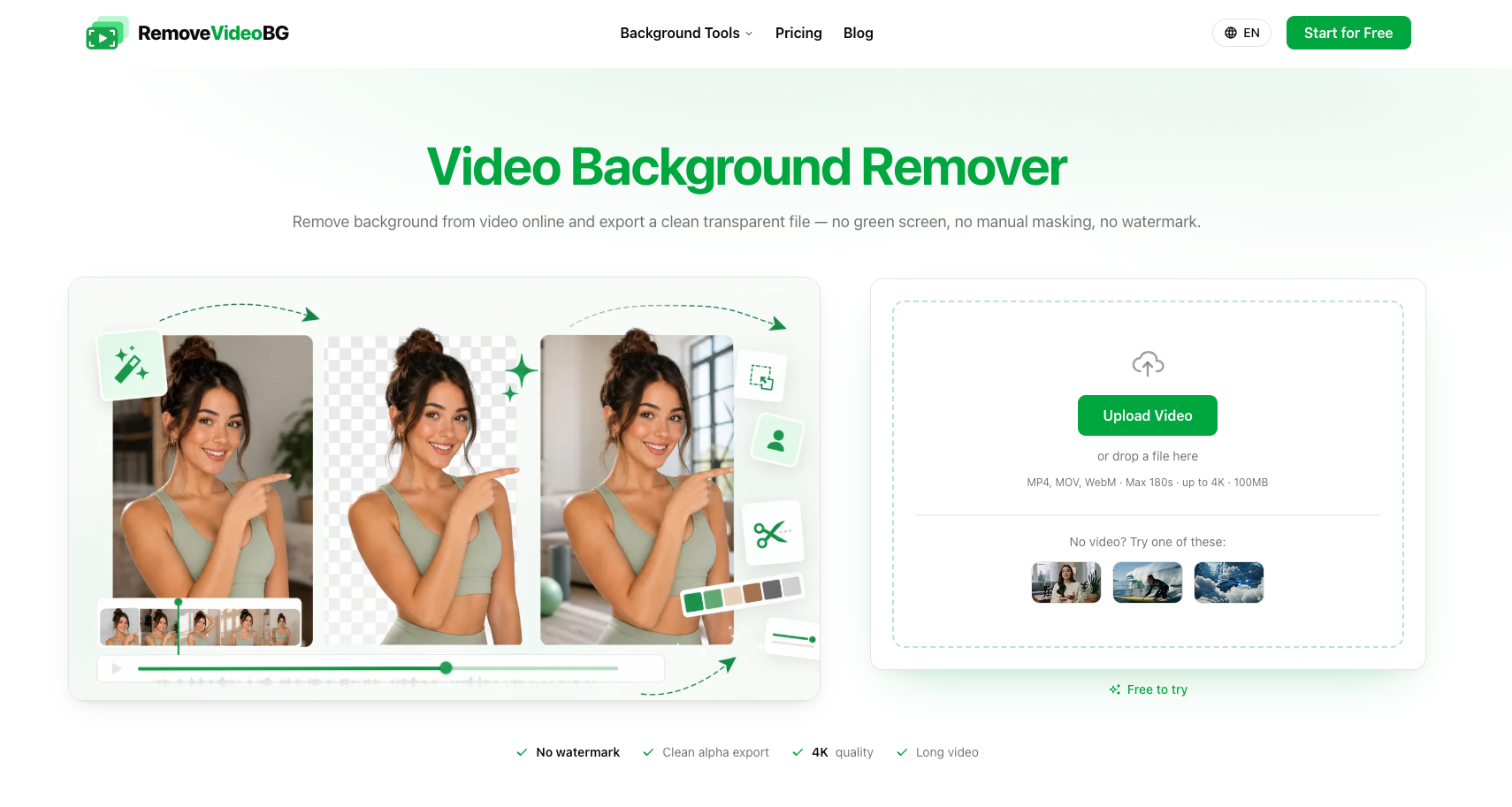
RemoveVideoBG removes video backgrounds online and exports clean transparent cutouts with a true alpha channel—no green screen or manual masking.
Listing signals
Domain rating
9
Domain rating is Ahrefs' measure of domain quality according to links.
Popularity
Low
Page views, clicks to the site and upvotes in the last 30 days, ranked against every live listing.
About tool
RemoveVideoBG is an AI-powered video background remover you can run in your browser. Upload an MP4, MOV, or WebM clip and generate a clean transparent result without green screen setup or manual keying.
Exports are editor-ready, providing a true alpha channel for transparent compositing. You can output in transparent WebM (VP9) or as a PNG sequence, so you can place your subject over new scenes in common motion workflows.
The AI removes backgrounds frame by frame to preserve fine details like hair, soft edges, and fast movement. It’s useful for creator talking-head clips, sports and action footage, 3D character animation, game/VFX creatures, social UGC, and AI/CG scenes you want to restyle or overlay.
What video formats can I upload to remove the background?
You can upload MP4, MOV, or WebM videos.
Do I need a green screen or chroma key setup?
No. The tool removes the background without chroma keying or manual masking.
What does the transparent export include?
You get a true alpha channel for transparency, available as transparent WebM (VP9) or a PNG sequence.
Can I leave the background transparent or replace it with something else?
You can leave it empty for a transparent export, fill it with a solid color, or replace it with your own image to restyle the clip.
Will it preserve details like hair and soft edges?
Yes. The AI detects and tracks your subject frame by frame to keep hair, soft edges, and motion looking clean.