
Seedance 2.5
Seedance 2.5
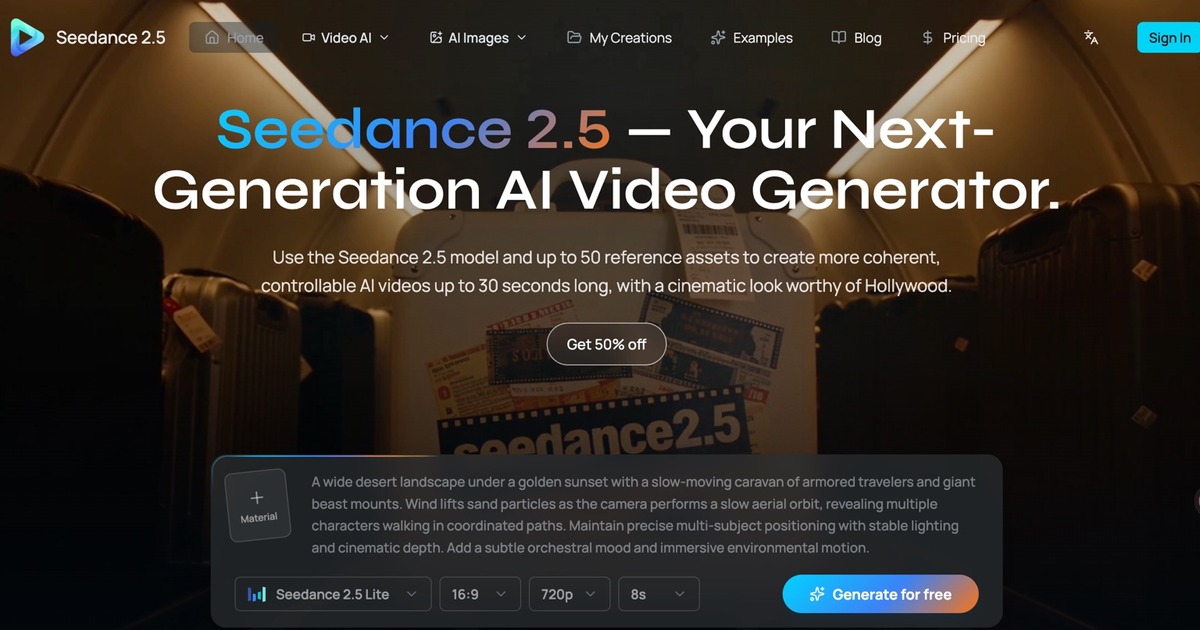
Seedance 2.5 is ByteDance’s multimodal AI video generator for cinematic, continuous clips up to 30 seconds long using up to 50 references.
Listing signals
Popularity
High
Page views, clicks to the site and upvotes in the last 30 days, ranked against every live listing.
About tool
Seedance 2.5 is an audio-and-video generation model built to create complete, cinematic videos in a single pass. Generate continuous footage up to 30 seconds long—one unbroken take, one prompt, and no stitching—so you can prototype story beats, product moments, and film-style sequences with room to breathe.
Control the look, action, and sound using up to 50 multimodal references. Add text, images, audio, video, and untextured 3D models to define subjects, styles, camera language, and even musical/sonic direction before you generate. The creator also offers precise, targeted edits that let you refine specific parts of what you made without forcing a full restart.
In the workflow, choose a generation mode (text-to-video, image-to-video, or media-to-video), write a detailed prompt, optionally attach references (including audio), then set output options like duration, aspect ratio, resolution, and whether to include audio. Successful generations download as MP4.
What inputs can I use in Seedance 2.5?
You can generate with text, and you can optionally add references in media mode. References can include text, images, audio, video, and untextured 3D models (up to 50 assets total).
How long can the videos be generated?
Seedance 2.5 supports continuous generation up to 30 seconds in a single pass (one unbroken take, no stitching).
What does “up to 50 references” mean?
Media mode accepts up to 50 reference assets total, combining images, videos, and audio (and also supports text and untextured 3D models within the reference set). Use references to lock in characters, products, styles, actions, and sounds before prompting.
Does Seedance 2.5 support editing after generation?
Yes—Seedance 2.5 supports deep, controllable editing. You can refine specific parts (for example, removing elements, changing clothing, repairing objects, or redesigning the environment) without regenerating the entire video.
What aspect ratios and resolutions can I export?
You can choose 1:1, 21:9, 4:3, 3:4, 16:9, or 9:16, and export in 480p, 720p, or 1080p.
What file format do I get after a successful generation?
After generation succeeds, the creator provides an MP4 download.