
SubtitleGenerator
SubtitleGenerator
Generate AI subtitles, flag uncertain words for quick fixes, apply 33 styles, and export captions or a captioned video in your browser.
Listing signals
Popularity
Low
Page views, clicks to the site and upvotes in the last 30 days, ranked against every live listing.
About tool
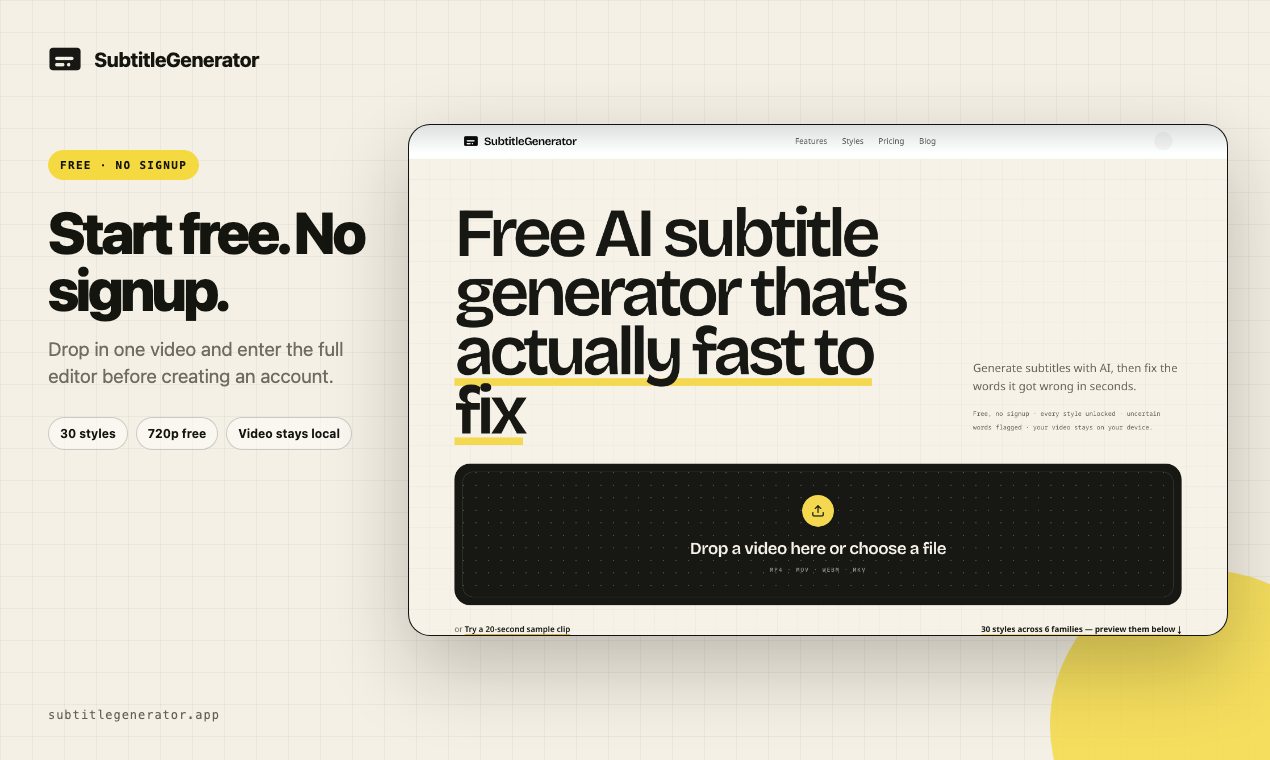
SubtitleGenerator turns spoken audio into timed subtitles in the browser, then helps you quickly correct what the AI gets wrong.
Start by uploading a video (MP4, MOV, WEBM, or MKV). The editor generates captions with word-level timing and automatically flags uncertain words, so you can keep, edit, or re-transcribe only the cues that need attention. You can also preview and adjust timing and text directly in the workflow.
Choose from 33 subtitle styles across six style families (with motion and typography variations), then export what you need. Export options include SRT, VTT, ASS/SSA/SBV/SMI, TXT, and JSON, or generate a burned-in/captioned MP4 for posting. Your source video isn’t uploaded for transcription—only extracted audio is used, and rendering happens in the browser.
What can I do with SubtitleGenerator?
Upload a video to generate timed subtitles, review and correct flagged words or cues, apply one of 33 styles, and export subtitle files or a captioned video.
Do I need an account or installation to use it?
You can start for free with no signup and no install—everything runs in your browser.
Does SubtitleGenerator send my full video to the server for transcription?
No. Your source video stays on your device; only extracted audio is used for transcription, and exports render in your browser.
How does it help when the AI misses words or gets them wrong?
Uncertain words are flagged automatically. You can edit the highlighted word or re-transcribe just the specific cue that needs correction.
What subtitle styles can I choose from?
You can browse 33 caption styles across six families, with typography, framing, highlighting, and motion that change together.
What formats can I export?
You can export subtitle formats like SRT, VTT, ASS, SSA, SBV, SMI, TXT, and JSON, and you can also export a burned-in/captioned video.