
Taipei GTA
Taipei GTA
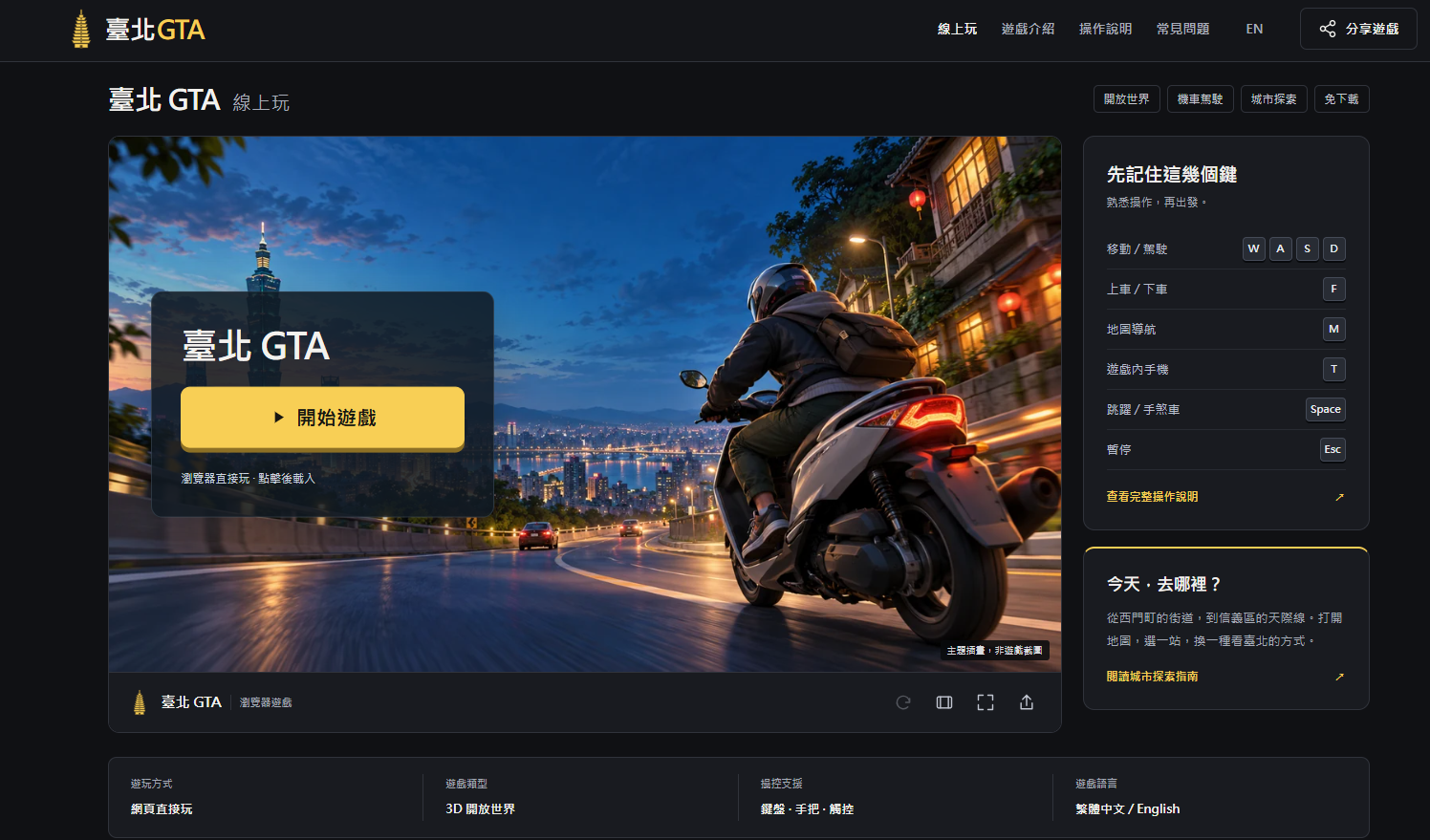
Taipei GTA is a browser-based 3D open-world game where you ride scooters and cars and explore Taipei-inspired streets.
Listing signals
Popularity
High
Page views, clicks to the site and upvotes in the last 30 days, ranked against every live listing.
What is Taipei GTA?
Taipei GTA is a Taipei-themed, browser-playable 3D open-world game that blends city exploration with scooter and car driving. You can walk to observe street corners, then jump in a vehicle to move through roads, follow navigation, and experience Taiwan-inspired city vibes in one continuous place.
The fun is choosing where to go next. From areas like Ximending to the Taipei 101 skyline, the city imagination provides recognizable landmarks and exploration cues—so your route can be about speed, sightseeing, or learning the traffic and controls at your own pace.
Start directly in your browser and use the map, in-game phone, and keyboard/controller/touch controls to guide your trip. Tutorials and control help are available so you can get comfortable step-by-step: load the game, practice basic movement, find a close destination, and then open your phone to check missions.
Taipei GTA FAQ
Do I need to download or install Taipei GTA?
No download is required—it's designed to play directly in your browser. The first load still depends on your connection because game resources must load.
How do I start playing from the main screen?
Click the “開始遊戲” button in the play area to load the game, then follow the controls setup guidance and confirm your input method (keyboard/mouse, controller, or touch).
What are the basic controls for walking and driving?
For walking, use W A S D for movement, Space for jump, and Esc to pause. For vehicles, approach and press F to get in or out, and use W/S for acceleration/braking (with driving controls continuing from there).
How do I navigate to a destination?
Press M to open the map and set a nearby destination by selecting a point. The in-game phone (T) also provides mission-related information and additional entries like transit guidance.
Can I play with a phone, tablet, or game controller?
Yes. The game supports touch controls on mobile/tablets and includes controller support in the in-game controls information. After loading, check the device-appropriate control instructions.
What should I do if the game is black, stuck loading, or not responding?
Make sure you’re interacting with the game area first so keystrokes reach the game. If loading is slow, check your network and try reloading from the play area; if needed, adjust visual quality and avoid heavy other tabs.