
Upclimb Color Picker
Upclimb Color Picker
Pick any color in your browser to instantly view HEX, RGB, HSL, and HWB, copy the code, save favorites, generate palettes, and check WCAG contrast.
Listing signals
Popularity
Low
Page views, clicks to the site and upvotes in the last 30 days, ranked against every live listing.
About tool
Upclimb Color Picker is a free, browser-based color utility for web design work that helps you get accurate color values quickly and then carry them into the next step—palettes, contrast checks, and reuse.
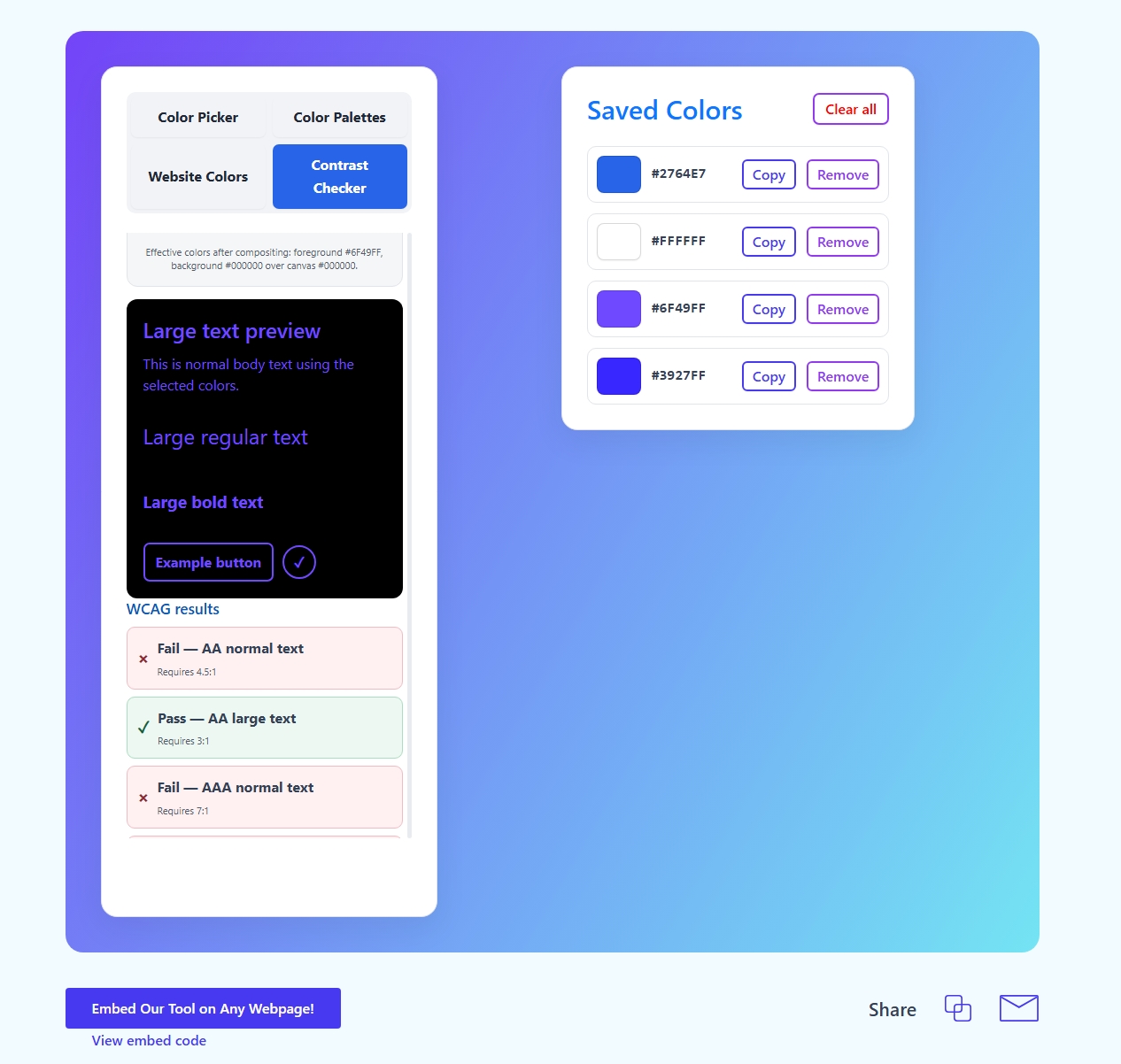
Select a color visually or type a HEX value to update its HEX, RGB, HSL, and HWB representations in real time. Use Copy HEX for design handoffs, or Save Color to keep a small list of favorites while you compare options.
When you need more than a single code, switch tabs for Color Palettes to generate complementary, analogous, triadic, split-complementary, and tetradic variations. You can also inspect colors from a public webpage’s submitted CSS and test foreground/background pairs against WCAG contrast thresholds for normal/large text and non-text interface elements.
Can I enter a HEX value instead of picking a color?
Yes. Type the HEX value into the HEX field and the picker will update the corresponding HEX, RGB, HSL, and HWB values automatically.
Which color formats are available in Upclimb Color Picker?
You can view the selected color as HEX, RGB, HSL, and HWB, with all formats updating as the color changes.
How do saved colors work if I don’t create an account?
Saved colors are stored locally in your browser in a saved-colors panel. They won’t sync across different browsers or devices, and clearing browser storage can remove them.
What palette types can I generate from a base color?
You can generate complementary, analogous, triadic, split-complementary, and tetradic palettes from the color you currently select.
How does Website Colors extract colors from another page?
Enter a URL of a public webpage to extract CSS color values found in the submitted page and a limited number of directly linked stylesheets. It doesn’t crawl an entire site, execute the page’s JavaScript, or attempt to reproduce every pixel.
What WCAG contrast checks can the Contrast Checker run?
It compares a foreground/background pair against common WCAG contrast thresholds, including AA/AAA for normal text and large text, plus a 3:1 target for non-text interface elements.