Z Image AI
Z Image AI
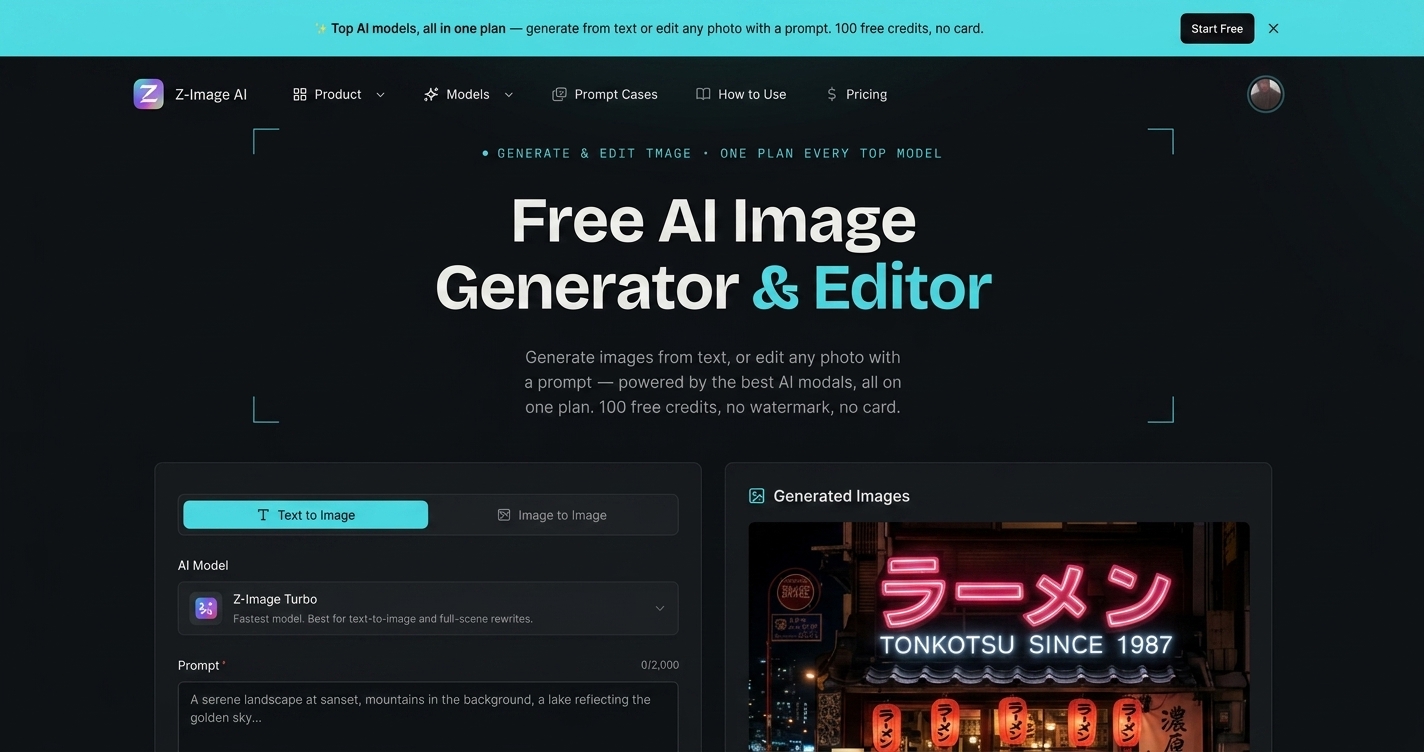
Generate and edit images from text or photos with multiple AI models, starting free with 100 credits—download results in seconds.
Listing signals
Popularity
Medium
Page views, clicks to the site and upvotes in the last 30 days, ranked against every live listing.
About tool
Z Image AI is a free online AI image generator and editor where you can create images from a text prompt or edit an uploaded photo using your own instructions. Switch between text-to-image and image-to-image in one place, then download your result quickly.
Choose from multiple models to match your goal: GPT Image 2 for high-quality output and text rendering, Nano Banana 2 for precise instruction-following edits, Z-Image Turbo for fast drafts, and Seedream/Grok models for photorealism, layouts, and typography. Set an aspect ratio for your platform and refine your prompt to iterate until it looks right.
Start free with 100 credits. Use the free credits to generate your first image in seconds, then sign in to view your remaining balance when you continue generating and editing.
Can I generate images from text prompts in Z Image AI?
Yes—write a prompt for what you want and generate from text-to-image. You can then refine your prompt and run another generation if needed.
Can I edit an existing photo with a prompt?
Yes—upload a reference photo and use image-to-image to restyle, edit, swap elements, or reimagine the scene while keeping your subject.
What’s the difference between Text to Image and Image to Image?
Text to Image creates a new image from your description. Image to Image transforms an uploaded photo using your prompt, focusing changes on the reference subject.
How do I choose the right AI model?
Pick GPT Image 2 for highest-quality output and accurate text rendering, Nano Banana 2 for precise instruction-based edits, and Z-Image Turbo for the fastest draft iterations. For photorealistic product-style scenes, use Seedream 4.5, and for layout/infographics use Seedream 5.0 Pro or Grok Imagine 2.0.
How long does generation take?
Generation time varies by model and quality settings. Z-Image Turbo is designed for 2–5 second drafts, while GPT Image 2 includes different quality tiers with higher quality taking longer.
Can I use the generated images commercially?
Yes—images you generate are for your use commercially, with no watermark and no attribution required.