
AI Image Edit
AI Image Edit
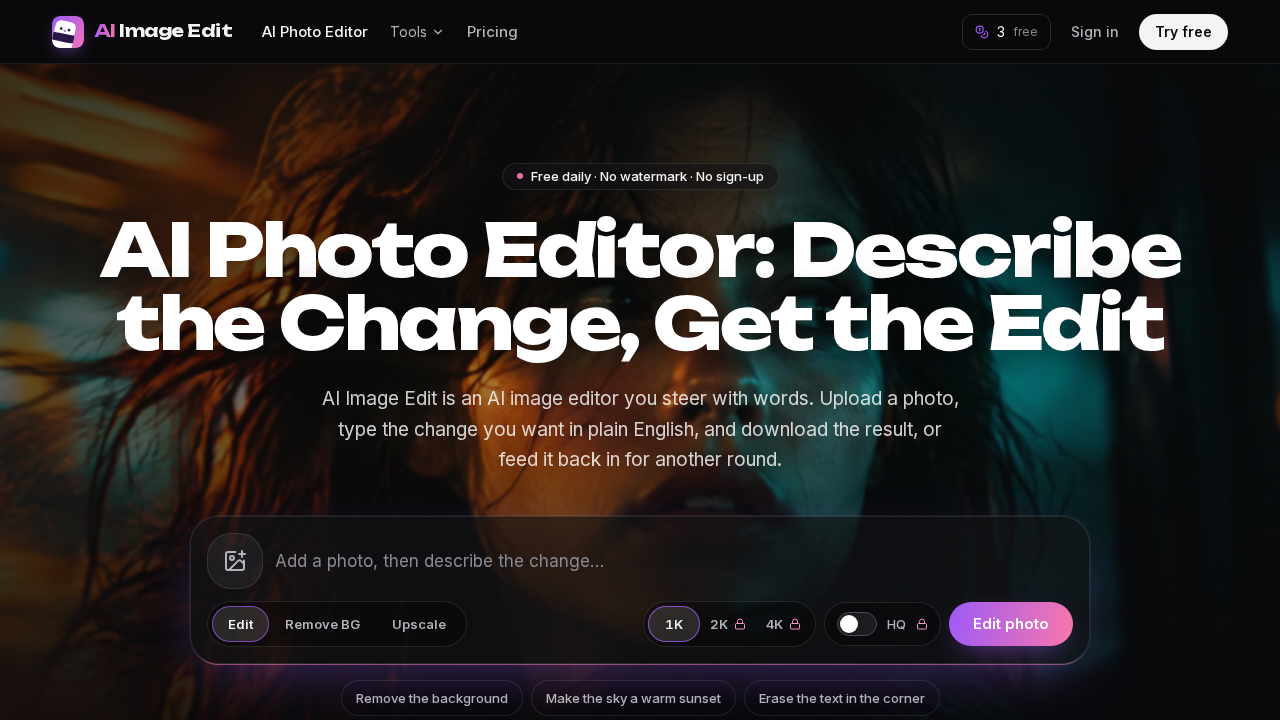
AI Image Edit is an online AI photo editor where you describe the change in plain English and download the edited image.
Listing signals
Popularity
High
Page views, clicks to the site and upvotes in the last 30 days, ranked against every live listing.
What is AI Image Edit?
AI Image Edit is an online AI image editor that lets you edit photos by describing the change in plain English and downloading the result.
Edit photos by prompting in plain language
AI Image Edit works from an upload box: add your photo (JPG, PNG, or WebP), type what you want to change, then download the output. You can also run follow-up edits by feeding the result back into the editor for another round—useful for chaining multiple small improvements.
Short prompts tend to work best when they name one clear change and specify where it should apply (for example, “Make the sky a warm sunset” or “Erase the orange date stamp in the lower right”). If the result drifts, you can shorten the prompt or edit again.
What you can do with AI Image Edit
Common edit types include:
- Remove backgrounds and export cutouts (transparent PNG output is available for product cutouts)
- Change backgrounds using a one-sentence scene description
- Remove objects or people from photos
- Remove text and erase unwanted lettering from images
- Unblur and enhance photos
- Upscale to larger output sizes (including 2K and 4K options)
- Restore old photos (repair tears, creases, stains, and scratches; preserve pose/composition and original sepia tone)
- Colorize photos, generate headshots, and try hair color changes
Free daily credits, no watermark
Free daily edits are available with no sign-up required and include 3 credits per day. Free daily credits download without a watermark.
Output sizes, upload limits, and how credits work
- Free daily edits: standard output up to 1K, with a 20 MB upload limit.
- Plans and credit packs add larger outputs (2K/4K) and higher-quality mode.
- A standard edit at 1K uses 1 credit; upscaling to 2K costs 2 credits and to 4K costs 3 credits. Enhancing to 1080p costs 1 credit.
- Credits reset on a rolling 24-hour cycle and unused free credits don’t carry over.
Get started
Upload a JPG/PNG/WebP, write one sentence describing the change and what should stay the same, then download. If it’s close but not perfect, choose Edit again and adjust with a short follow-up prompt.
AI Image Edit FAQ
What file types does AI Image Edit support?
AI Image Edit supports JPG, PNG, or WebP images. You can upload from your device, or paste an image from your clipboard.
Is AI Image Edit free?
Yes. AI Image Edit provides free daily credits (3 credits per day) with no sign-up required, and free daily downloads include no watermark.
Will free edits include a watermark?
No. Free daily credits download without a watermark.
How should I write prompts to get good results?
Use one clear sentence that describes the change and where it should happen in the frame. Also state what to keep the same (for example, lighting, faces, or existing text). If the result drifts, shorten the prompt or run a follow-up edit.
Can I do multiple edits on the same photo?
Yes. After downloading or reviewing an intermediate result, you can edit again by using the previous output as the new starting photo and applying a follow-up prompt.
What photo edits can I do with AI Image Edit?
AI Image Edit can remove backgrounds, remove objects or people, remove text, change backgrounds, unblur, enhance, upscale, restore old photos, colorize images, generate headshots, and try hair color changes.
What are some alternatives to AI Image Edit?
Similar listings to compare with AI Image Edit:
- Plimo: Plimo brings the newest AI image and video models together in one account, making it easy to generate, edit, and turn photos into clips.
- chatgptimage.app: chatgptimage.app turns text prompts into AI photos up to 4K and lets you edit uploaded images via image-to-image using GPT Image models.
- Z Image AI: Generate and edit images from text or photos with multiple AI models, starting free with 100 credits—download results in seconds.