
aiimagetovideos.com
aiimagetovideos.com
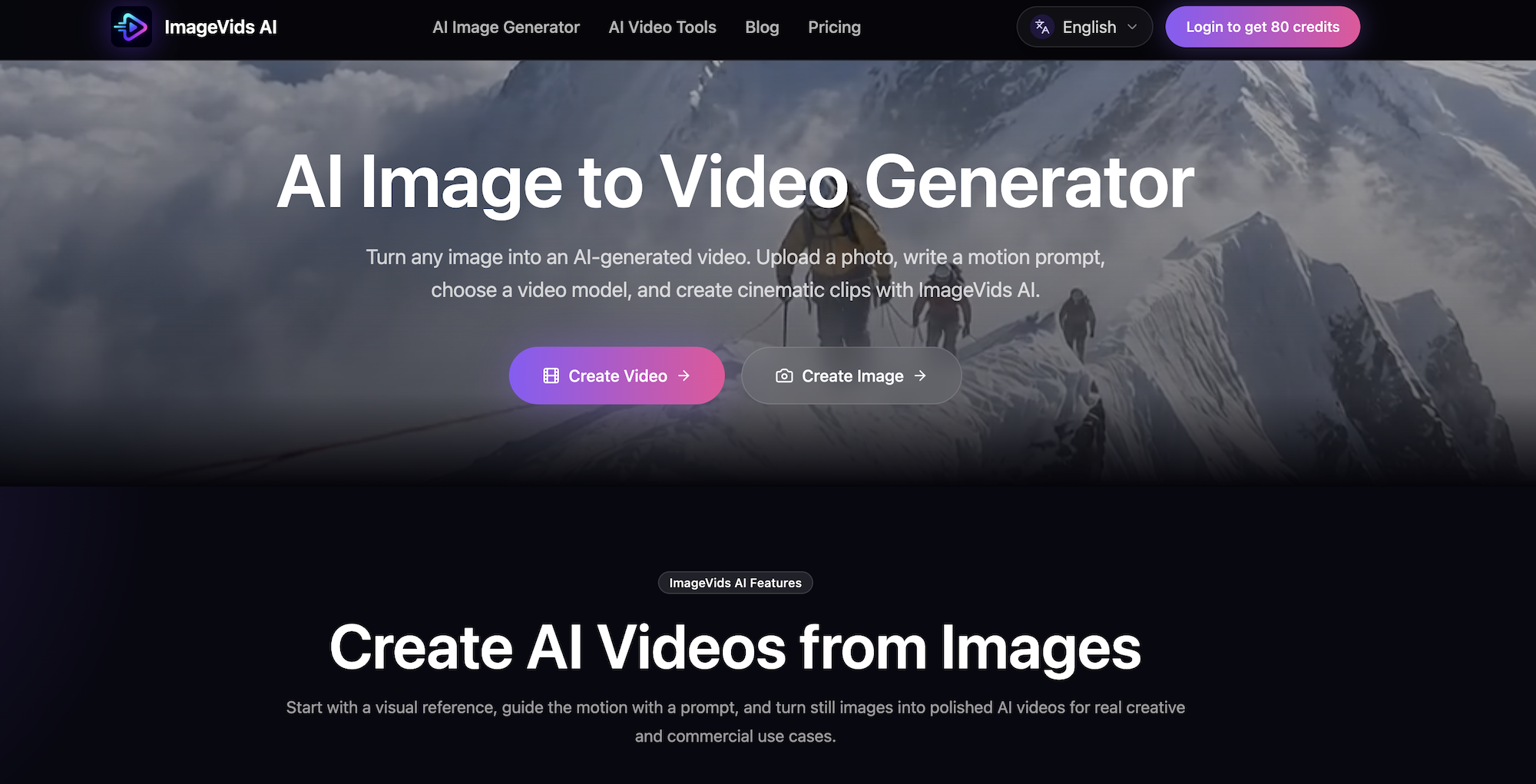
ImageVids AI turns still images into cinematic AI videos using motion prompts, multiple video models, and export options for different platforms.
Listing signals
Domain rating
27
Domain rating is Ahrefs' measure of domain quality according to links.
Popularity
Low
Page views, clicks to the site and upvotes in the last 30 days, ranked against every live listing.
About tool
ImageVids AI is an AI image-to-video generator that helps you turn photos, product images, portraits, anime artwork, landscapes, and visual concepts into moving cinematic clips.
Start by uploading a reference image, then write a motion prompt that guides what happens in the shot—camera movement, subject action, lighting changes, and the overall mood. Choose a video model to match the style you want, generate your first result, and refine by adjusting the prompt across multiple drafts.
Use cases include product ads, portrait animation, anime-style motion, storytelling shots, and real estate or travel visuals. You can also generate vertical videos for TikTok, Instagram Reels, and YouTube Shorts, and select aspect ratios that fit your platform needs. Free trial credits are available for new users to test prompts and models before upgrading, with HD exports and watermark-free exports on eligible paid plans.
What does ImageVids AI do?
It converts a still image into an AI-generated video by using a motion prompt and a selected video model to add camera movement and subject motion.
How do I turn an image into a video with ImageVids AI?
Upload your image, write a motion prompt describing the movement/atmosphere, choose a video model, generate, then refine by re-generating with updated prompt or settings.
What is a motion prompt?
A motion prompt is text that guides what happens in the shot—such as camera push-in, subject actions, background shifts, lighting, and overall mood—rather than only describing the scene.
Do I have to use only one AI video model?
No. You can choose from multiple AI video models to compare motion styles, from faster drafts to more polished cinematic output.
Can I create product and portrait videos from images?
Yes. ImageVids AI supports product animation and portrait motion, using prompt-based control to guide camera movement, subject action, lighting, and atmosphere.
Are watermark-free and HD exports available?
Watermark-free exports and HD exports are available on eligible paid plans when you need cleaner, higher-resolution results.