
toflow.ai
toflow.ai
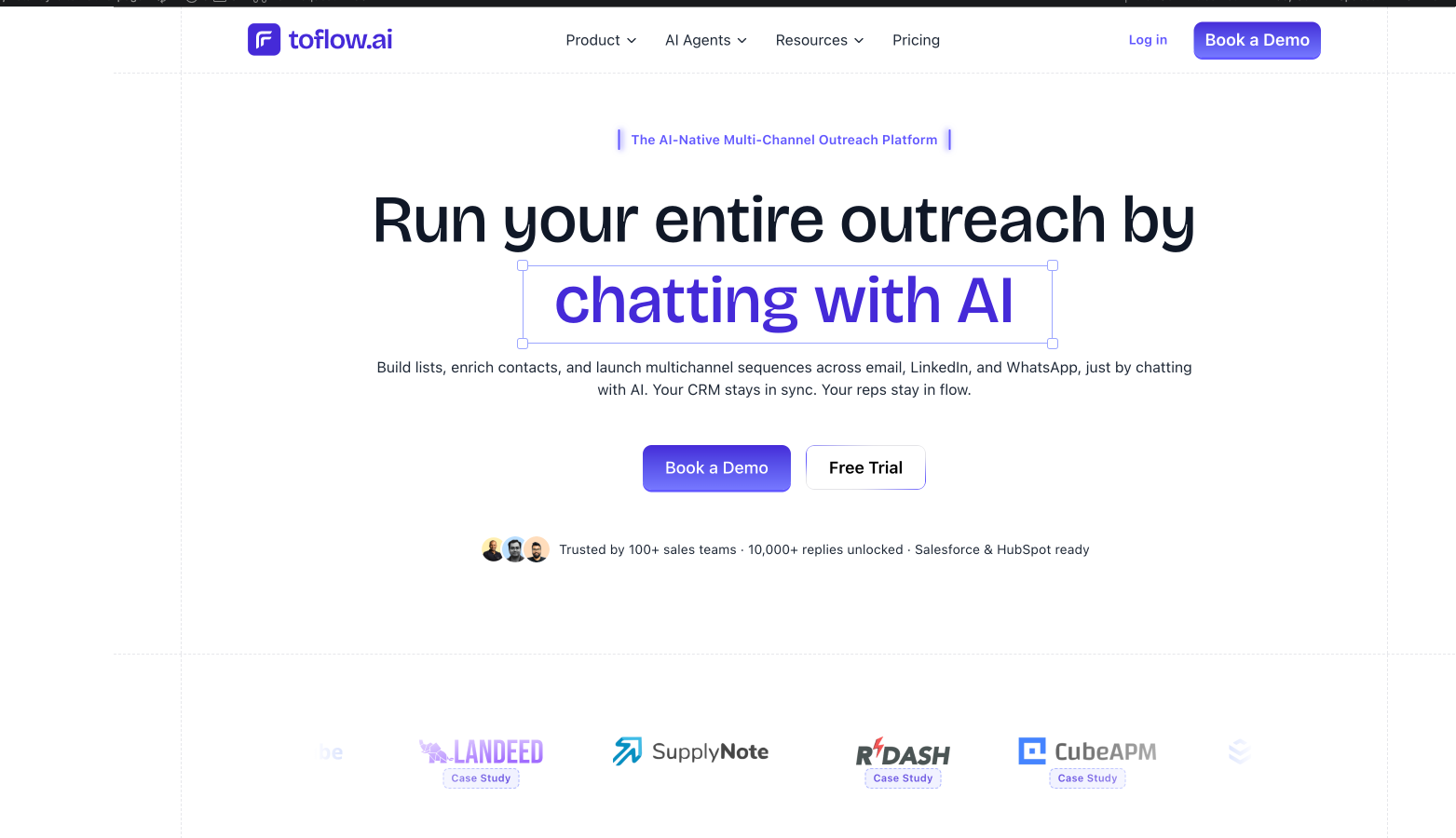
Chat with toflow.ai to automate B2B LinkedIn and email outreach—build lists, enrich leads, and run multichannel sequences from one inbox.
Listing signals
Domain rating
13
Domain rating is Ahrefs' measure of domain quality according to links.
Popularity
Low
Page views, clicks to the site and upvotes in the last 30 days, ranked against every live listing.
About tool
toflow.ai is an AI-native outreach platform for B2B sales teams and agencies. Build prospect lists, enrich contacts, and run outreach sequences by chatting with AI—designed to reduce the manual work of finding, qualifying, and contacting buyers.
Create multichannel sequences that handle LinkedIn connection requests, messages, and follow-ups at a consistent pace, while also supporting email outreach. You can import leads from LinkedIn sources like posts, events, groups, and searches, including people who liked or commented.
toflow.ai also centralizes replies. Connect more than one LinkedIn account and manage responses in a single inbox, including email replies. The platform supports pipeline management and syncs prospects, sequences, and replies back to CRMs like Salesforce and HubSpot so updates don’t rely on manual logging.
FAQ
What can I do in toflow.ai using chat?
You can generate prospect lists, enrich leads, and build multichannel outreach sequences across LinkedIn and email through chat.
Can toflow.ai automate LinkedIn outreach and email in the same sequence?
Yes—set up one sequence that includes LinkedIn steps (connection requests, messages, follow-ups) and email outreach.
How does toflow.ai find and enrich leads from LinkedIn?
You can search or pull leads from LinkedIn posts, events, groups, and searches, including people who liked or commented. It also verifies and enriches contact details such as emails and phone numbers and adds firmographic data.
Is LinkedIn automation safe with toflow.ai?
The platform is designed to keep LinkedIn automation at a safe pace while automating connection requests, messages, and follow-ups.
Can toflow.ai centralize replies from multiple channels?
Yes. Replies are shown in a unified inbox, including email replies, so you can manage conversations without switching tools.
Which CRMs does toflow.ai integrate with?
It supports syncing with Salesforce and HubSpot, and updates prospects, sequences, and replies back to your CRM.