
ClipLumi
ClipLumi
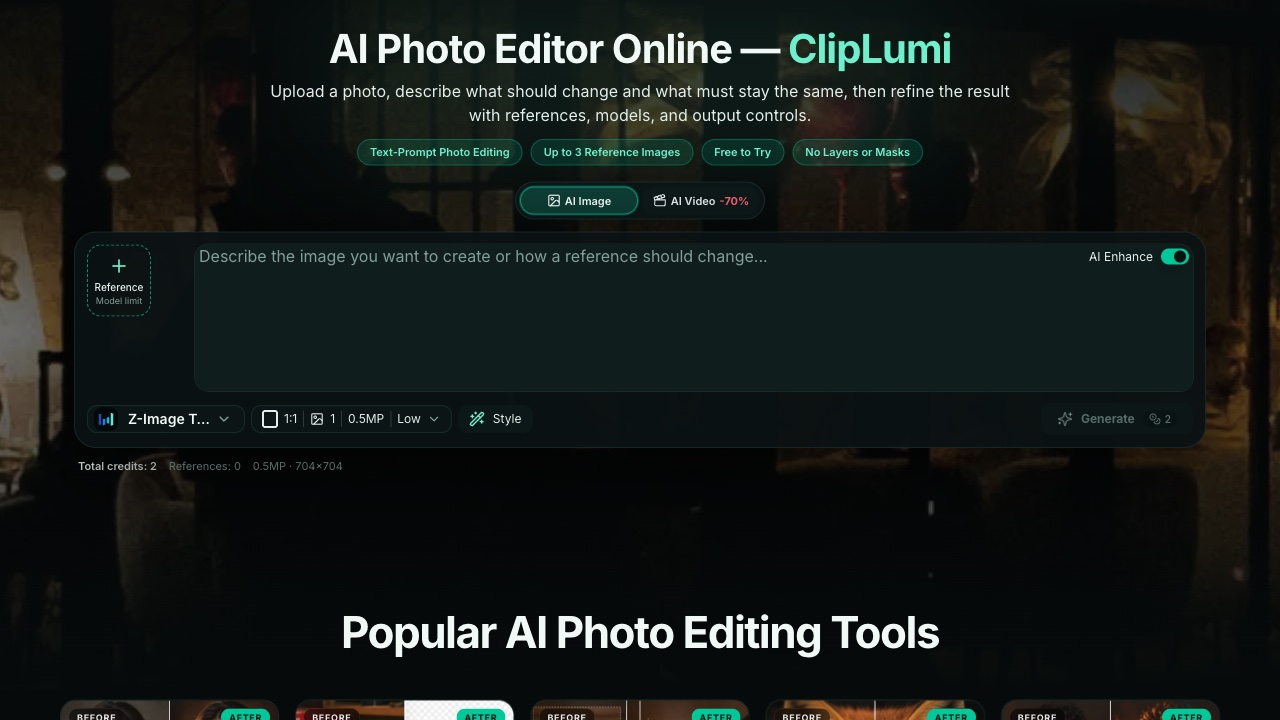
ClipLumi is a browser-based AI photo editor where you describe what to change, preserve what matters, and refine results with references and output controls.
Listing signals
Popularity
High
Page views, clicks to the site and upvotes in the last 30 days, ranked against every live listing.
About tool
ClipLumi is an AI photo editor that helps you turn a source image into a controlled edit. Instead of learning layers or masks, you describe what should change and what must stay the same—then refine until the result matches your intent.
For more accurate direction, ClipLumi supports up to three reference images. Use references to keep the subject/product details consistent while steering background, composition, and visual style across iterations.
Choose the model, aspect ratio, output count, resolution, and quality before generating. ClipLumi uses a single workspace for creation and refinement, and you can sign in to keep a history of your generations and continue editing.
What can I do with ClipLumi as an AI photo editor?
You can remove unwanted objects, replace backgrounds, refine portraits and lighting, expand a canvas, enhance details, restyle a scene, and combine multiple references to guide the edit.
How do I write prompts for better results?
Name the exact change first, then specify what must remain untouched (for example, keep the person’s identity, pose, skin tone, and natural edges while changing the background).
Can I use reference images instead of only text prompts?
Yes—upload up to three reference images. Use one reference for the subject/product and another for the visual direction or style you want.
Is there layer or mask support?
ClipLumi does not use layers or masks. You steer edits through plain-language instructions plus references and generation controls.
Which file formats can I upload?
You can upload PNG, JPG/JPEG, GIF, and WebP files for editing.
Can I use ClipLumi on mobile?
Yes. The upload, prompt, model, aspect ratio, quality, and generation controls are reorganized for touch-friendly mobile layouts.