
Image Translator Tools
Image Translator Tools
Translate text inside JPG, PNG, or WebP images into 132+ languages while preserving layout, typography, colors, and visual style.
Listing signals
Domain rating
0
Domain rating is Ahrefs' measure of domain quality according to links.
Popularity
Low
Page views, clicks to the site and upvotes in the last 30 days, ranked against every live listing.
About tool
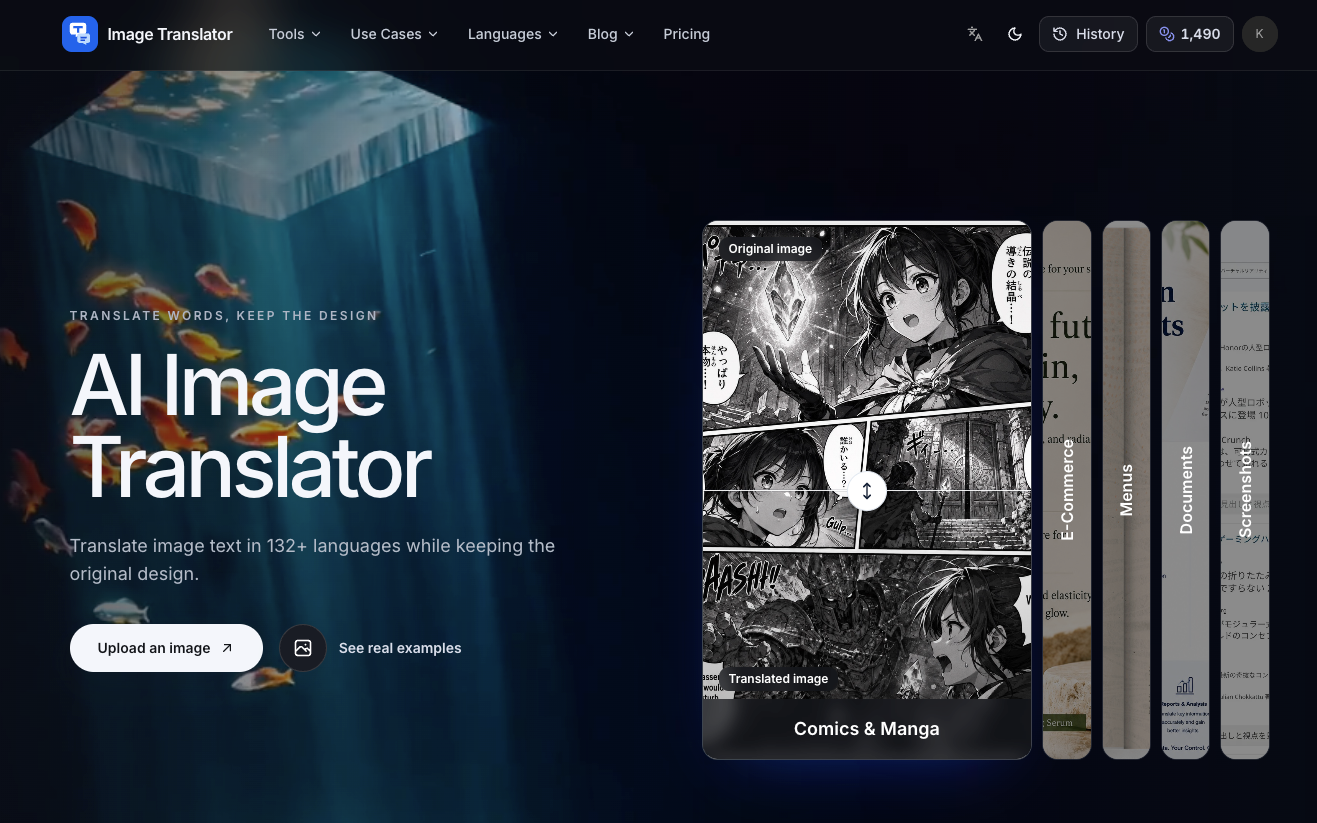
Image Translator helps you translate words inside real images while keeping the design intact. Instead of returning plain text, it re-renders the translated copy back into your image so menus, product graphics, screenshots, documents, and comics stay visually consistent.
Upload your images (JPG, PNG, or WebP), then choose the source language (or use auto-detection) and one or more target languages. Each independent image translation is treated as its own task, so you can generate multiple translated outputs and keep them organized.
The workflow is built for repeat use: you can upload multiple images in one flow, preview results with the original layout maintained, and download translated images in high resolution. Task progress can resume after refresh, and failed tasks automatically refund credits—useful when translating in batches.
Which image formats can I translate?
You can translate text in JPG, JPEG, PNG, and WebP images.
How many languages are supported?
Image Translator supports translation into 132+ languages, with the source language available via auto-detection or manual selection.
Can I translate one image into multiple languages at the same time?
Yes. Each target language for a given image is handled as its own translation task, so you’ll get separate translated outputs to download.
Will the translated text keep the original layout and design?
Yes. Translated copy is re-rendered into the image while preserving the original layout, typography, color, and emphasis as closely as possible.
How are credits calculated?
Credits are calculated per independent image translation task—each image and target-language combination counts as its own task.
What happens if a translation fails?
Failed tasks are automatically refunded with credits, so you don’t need to manually recover anything to continue your batch.