OmniGIF
OmniGIF
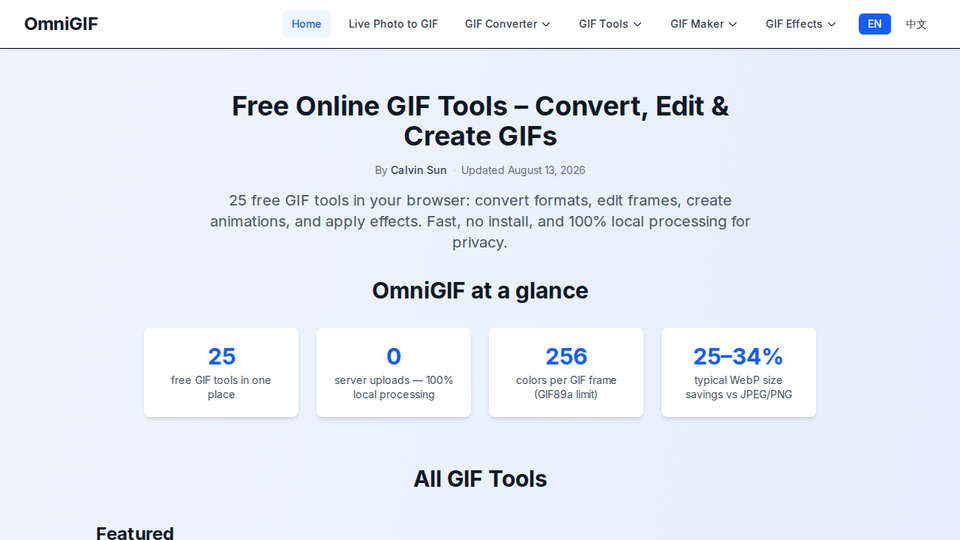
OmniGIF is a free, privacy-first toolkit to convert GIFs, extract frames, edit animations, and create effects—all processed locally in your browser.
Listing signals
Popularity
Low
Page views, clicks to the site and upvotes in the last 30 days, ranked against every live listing.
About tool
OmniGIF is a curated suite of free online GIF tools designed to convert, edit, and create animated files without installing software. Everything runs in your browser, with 0 server uploads, so your GIFs and Live Photos stay on your device while you work.
Use OmniGIF’s converters to switch between common formats (GIF, PNG, WebP, and APNG) or to turn iPhone Live Photos into shareable animated GIFs. If you need deeper control, the frame tools let you view GIFs frame-by-frame, extract specific frames, and rebuild frame sequences into downloadable outputs.
For edits and polish, OmniGIF includes animation editing utilities like crop, trim, reverse, rotate, and flip, plus compression options to help you balance quality and file size. You can also generate and enhance GIFs with effect tools such as black & white, borders, confetti, dither/pixelation, fade effects, speed changes, and glitch-style effects.
Is OmniGIF really free to use?
Yes—OmniGIF provides free GIF conversion, frame, editing, and effects tools in your browser.
Does OmniGIF upload my GIF or Live Photo to a server?
No. Processing is designed to run locally in your browser, with 0 server uploads.
How does color limitation affect GIFs?
GIF frames use a palette capped at 256 colors (GIF89a). This can make gradients and photos look posterized compared with formats like PNG, WebP, or APNG.
When should I convert a GIF to WebP?
Convert when you need a smaller animated file for audiences that support WebP. OmniGIF includes a GIF to WebP converter for that workflow.
What’s the difference between GIF to Frames and GIF Frame Extractor?
GIF to Frames exports the full sequence (or splits/breaks the animation into images). GIF Frame Extractor is for selecting specific frames or a range when you don’t need every frame.
Can I combine multiple PNG images into a single animated GIF?
Yes. OmniGIF’s Multiple PNG to GIF tool lets you combine PNG stills into one animated GIF by setting the frame order and timing.