
YT Video Summarizer
YT Video Summarizer
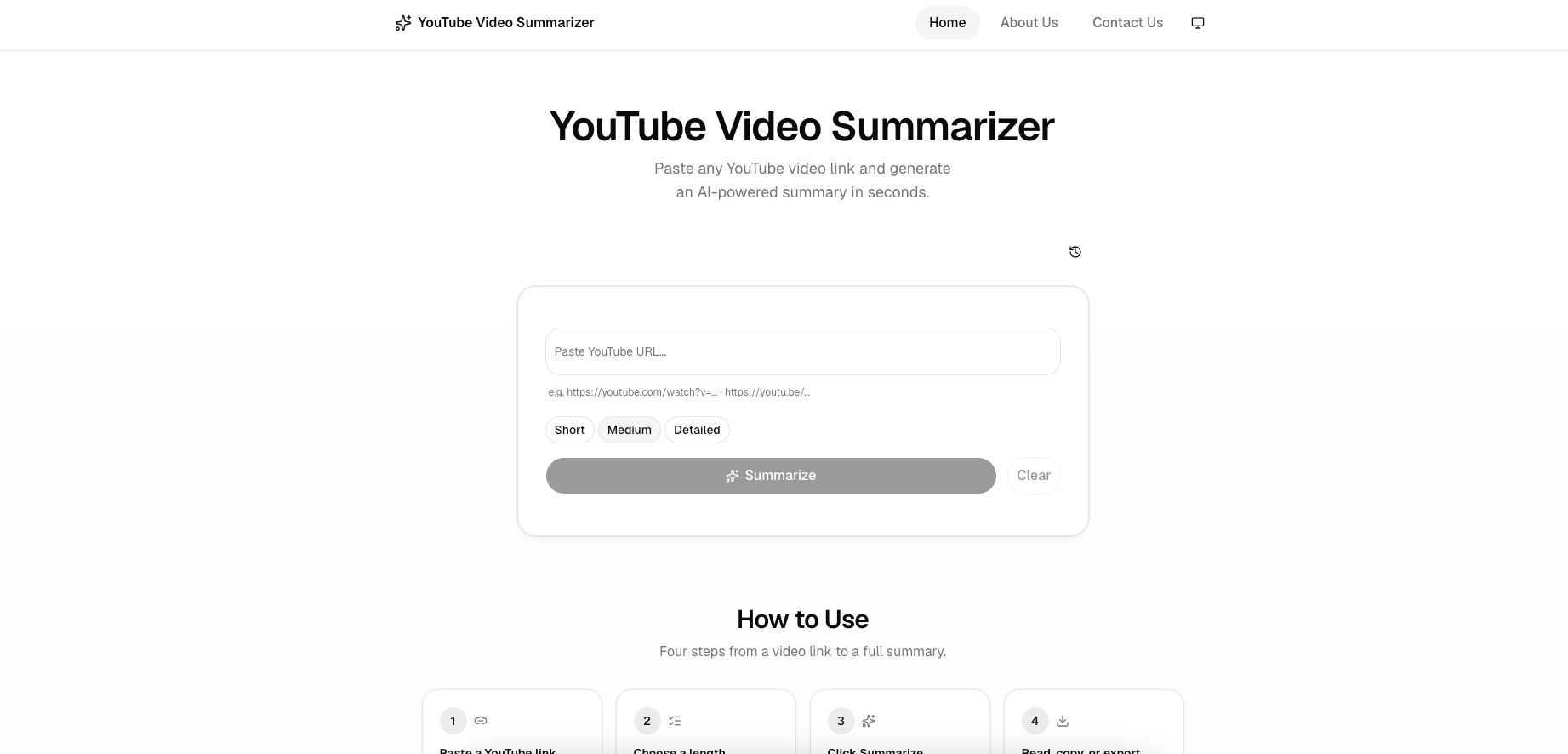
Paste a YouTube link and get an AI-generated summary in seconds, with options for short, medium, or detailed detail depth.
Listing signals
Domain rating
0
Domain rating is Ahrefs' measure of domain quality according to links.
Popularity
Low
Page views, clicks to the site and upvotes in the last 30 days, ranked against every live listing.
About tool
YT Video Summarizer turns any YouTube video link into a clear, structured AI summary. Paste a watch, youtu.be, Shorts, or playlist URL to fetch the transcript and generate key points, a timeline breakdown, and takeaways.
Pick your summary length—Short, Medium, or Detailed—to control how much depth you want. When the summary is ready, you can copy any section or export it as TXT, Markdown, or PDF for easier sharing and note-taking.
It’s designed to work quickly: from link to summary in four steps—paste, choose length, summarize, then read/copy/export. The tool is free to use and does not require sign-up.
Is this free to use?
Yes—YT Video Summarizer is offered for free and doesn’t require sign-up.
What YouTube link types are supported?
You can paste watch links, youtu.be links, Shorts links, and playlist links, and the tool will summarize them based on the associated transcript.
Why do I sometimes see “YouTube verification required”?
This message can appear when YouTube requires verification for accessing or retrieving the transcript. In that case, the summarization may be blocked until access is available.
Is my data stored anywhere?
The tool offers a privacy-first experience, with no sign-up required. If you need details about storage and handling, review the Privacy Policy provided on the page.
Can I export my summary?
Yes. You can copy the summary or download it as TXT, Markdown, or PDF.
Does it work for non-English videos?
It can generate summaries for videos in other languages as long as the transcript is available and can be fetched.